# dbeaver源码运行教程
**Repository Path**: 7niu/dbeaver
## Basic Information
- **Project Name**: dbeaver源码运行教程
- **Description**: DBeaver 源码运行教程,是一个通用的数据库管理工具和 SQL 客户端,支持 MySQL, PostgreSQL, Oracle, DB2, MSSQL, Sybase, Mimer, HS
- **Primary Language**: Java
- **License**: Apache-2.0
- **Default Branch**: devel
- **Homepage**: None
- **GVP Project**: No
## Statistics
- **Stars**: 0
- **Forks**: 139
- **Created**: 2024-03-12
- **Last Updated**: 2024-03-13
## Categories & Tags
**Categories**: Uncategorized
**Tags**: None
## README
# dbeaver项目源码运行教程
# 查看dbeaver wiki 教程
https://github.com/dbeaver/dbeaver/wiki/Develop-in-Eclipse
# Eclipse 版本需要 Eclipse IDE for RCP and RAP Developers
https://www.eclipse.org/downloads/packages/
# JDK 需要JDK 17
# 运行过程要严格按照教程步骤执行。
# 特别问题:
1.
If the product does not start with the No application id has been found error, try this workaround: https://stackoverflow.com/questions/13575695/eclipse-rcp-no-application-id-has-been-found
Tip: What you need to do is go to your Run Configurations (Run -> Run Configurations). Select the Plug-ins tab and then hit Add Required Plug-ins. Apply, then Run, and it should work now.
2.dbeaver 项目代码的Java文件没有加载成功(Java文件显示空的 J字)
Eclipse导入项目后出现空心J 的解决方案
原因很简单:
eclipse认为检出内容为资源文件,而不是项目。所以你需要加些东西告诉eclipse 你要的是项目 ╮(╯▽╰)╭
找到 .project 文件 打开 ,在中间加入如下代码。再重启eclipse 就可以了
```bash
org.springframework.ide.eclipse.core.springnature
org.eclipse.jdt.core.javanature
org.eclipse.m2e.core.maven2Nature
```
[](https://twitter.com/dbeaver_news)
[](https://app.codacy.com/gh/dbeaver/dbeaver/dashboard?utm_source=gh&utm_medium=referral&utm_content=&utm_campaign=Badge_grade)
[](http://www.apache.org/licenses/LICENSE-2.0)
 # DBeaver
Free multi-platform database tool for developers, SQL programmers, database administrators and analysts.
Supports any database which has JDBC driver (which basically means - ANY database).
Commercial versions also support non-JDBC datasources such as
MongoDB, Cassandra, Couchbase, Redis, BigTable, ScyllaDB, DynamoDB, etc.
You can find the list of all databases supported in commercial versions
here.
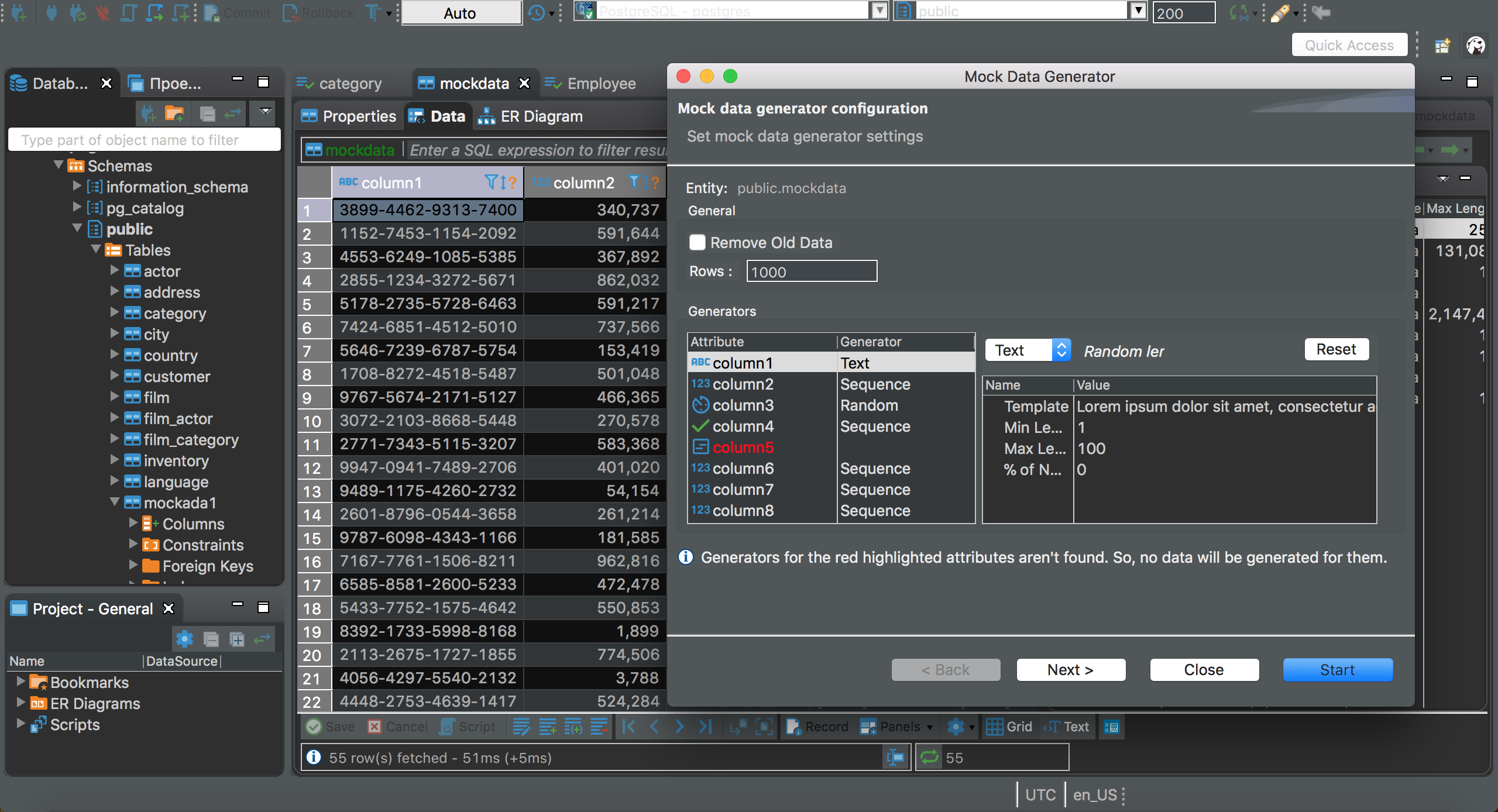
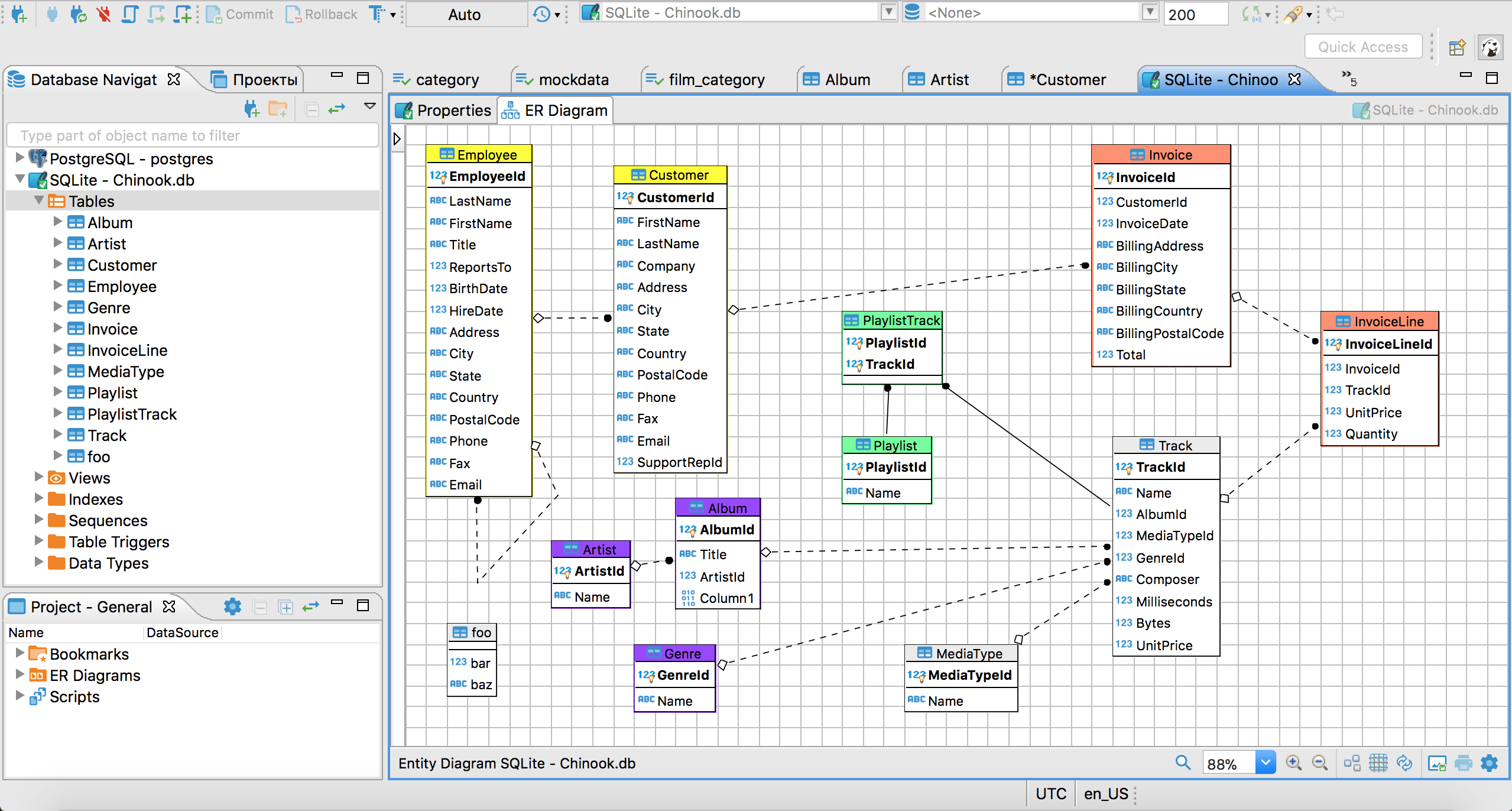
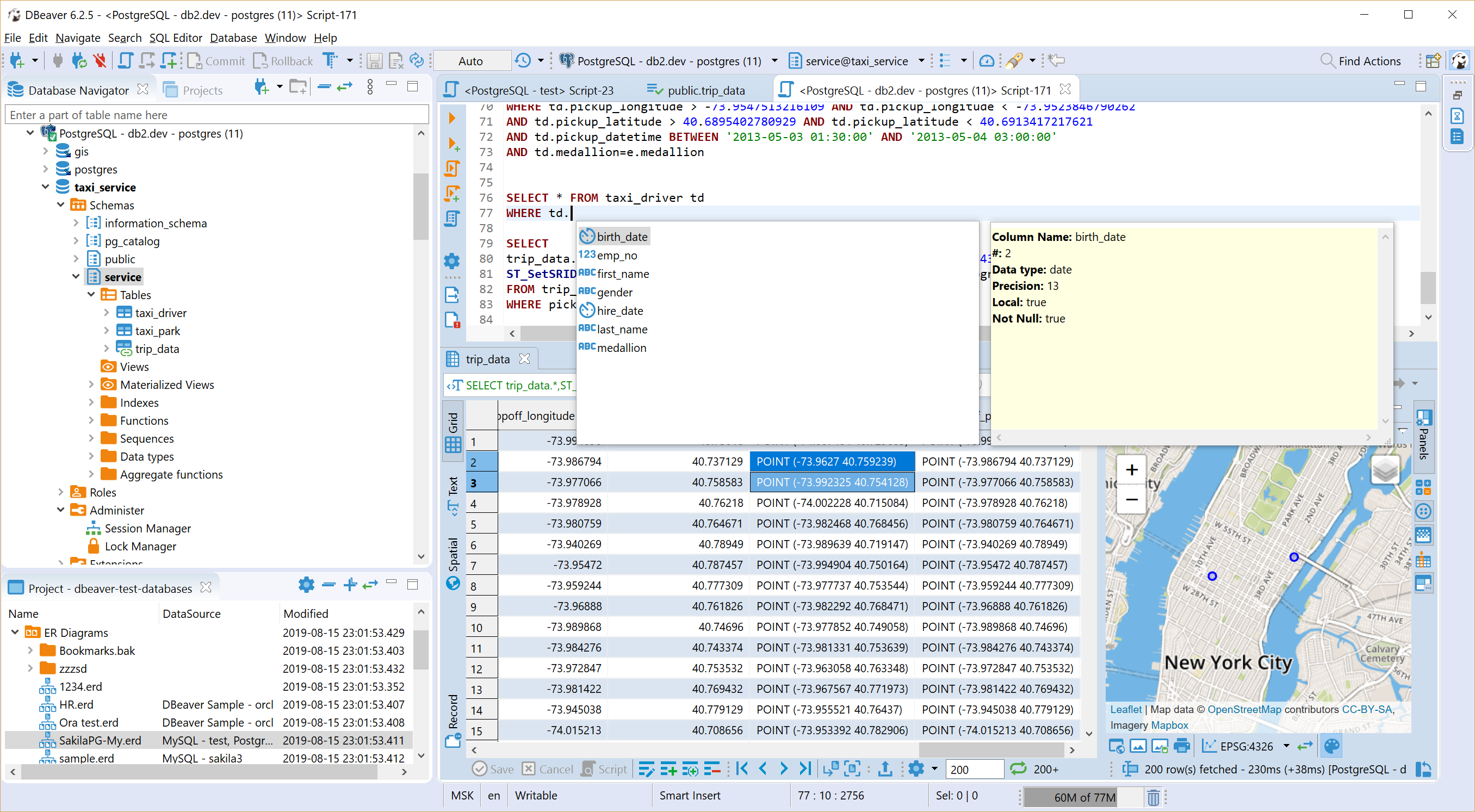
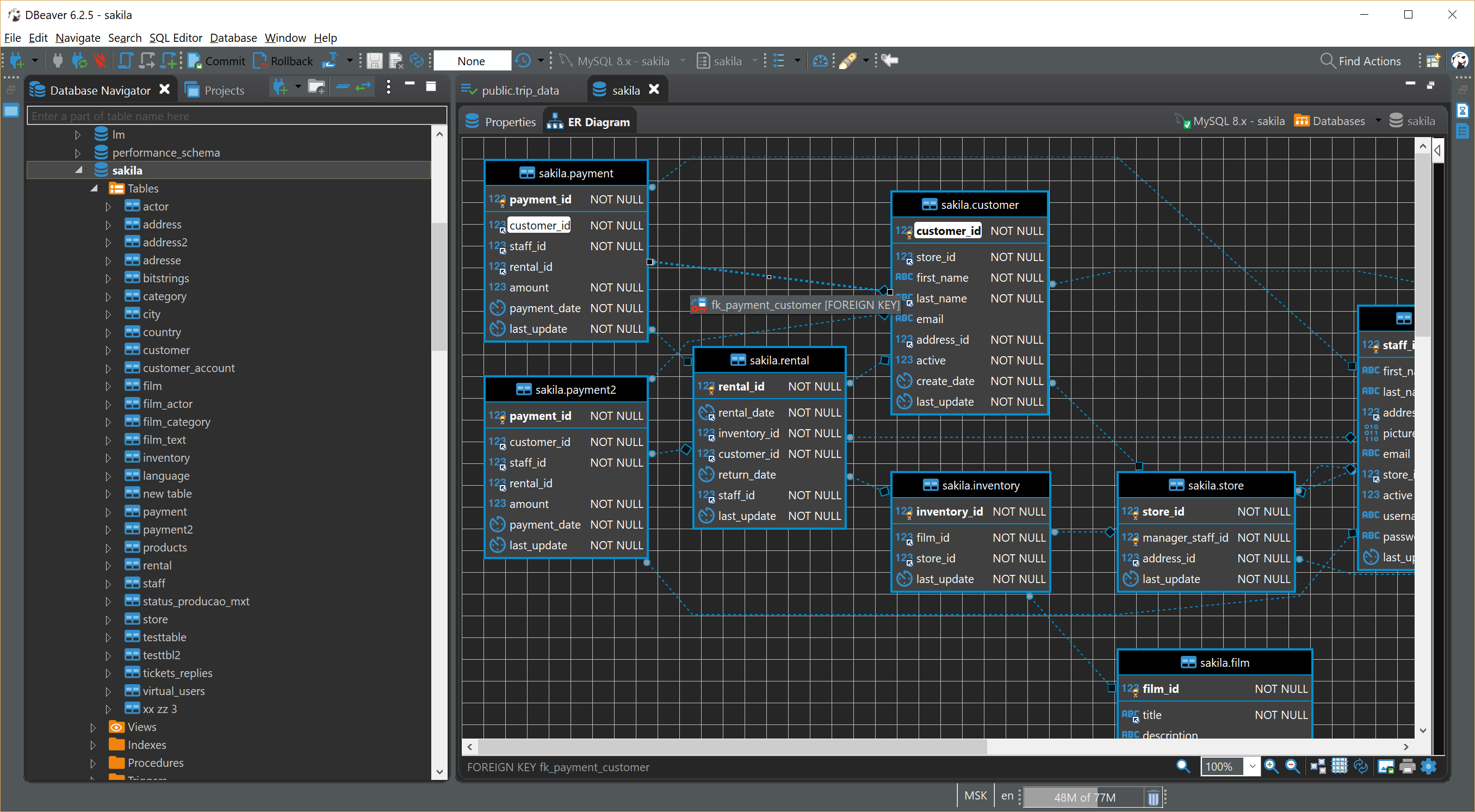
* Has a lot of features including metadata editor, SQL editor, rich data editor, ERD, data export/import/migration, SQL execution plans, etc.
* Based on Eclipse platform.
* Uses plugins architecture and provides additional functionality for the following databases: MySQL/MariaDB, PostgreSQL, Greenplum, Oracle, IBM Db2, Exasol, SQL Server, Sybase/SAP ASE, SQLite, Firebird, H2, HSQLDB, Derby, Teradata, Vertica, Netezza, Informix, etc.
# DBeaver
Free multi-platform database tool for developers, SQL programmers, database administrators and analysts.
Supports any database which has JDBC driver (which basically means - ANY database).
Commercial versions also support non-JDBC datasources such as
MongoDB, Cassandra, Couchbase, Redis, BigTable, ScyllaDB, DynamoDB, etc.
You can find the list of all databases supported in commercial versions
here.
* Has a lot of features including metadata editor, SQL editor, rich data editor, ERD, data export/import/migration, SQL execution plans, etc.
* Based on Eclipse platform.
* Uses plugins architecture and provides additional functionality for the following databases: MySQL/MariaDB, PostgreSQL, Greenplum, Oracle, IBM Db2, Exasol, SQL Server, Sybase/SAP ASE, SQLite, Firebird, H2, HSQLDB, Derby, Teradata, Vertica, Netezza, Informix, etc.
 ## Download
You can download prebuilt binaries from official website or directly from GitHub releases.
You can also download Early Access version. We publish daily.
## Running
Just run an installer (or unzip an archive) and run `dbeaver`.
Note: DBeaver needs Java to run. Open JDK 17 is included in all DBeaver distributions.
You can change default JDK version by replacing directory `jre` in dbeaver installation folder.
## Documentation
* WIKI
* Issue tracker
## Build from sources
See this article.
## Notes
- For bug reports and feature requests - please create a ticket.
- If you have any questions, ideas, etc - please start a discussion.
- Pull requests are welcome.
- Visit https://dbeaver.io or https://dbeaver.com for more information.
- Follow us on [Twitter](https://twitter.com/dbeaver_news/) and [Facebook](https://www.facebook.com/DBeaverCorporation)
- Thanks for using DBeaver! Star if you like it.
## Contribution: help the Beaver!
Hooray, we have reached 30k+ stars on GitHub and continue to grow!
That's really cool, and we are glad that you like DBeaver.
- We are actively looking for new source code contributors. We have added labels “Good first issue” and “Help wanted” to some tickets. If you want to be a part of our development team, just be brave and take a ticket.
- You can buy one of our commercial versions. They include NoSQL databases support, additional extensions, and official online support. Also, licensed users have priorities in bug fixes and the development of new features.
Thank you!
- DBeaver Team (contributors)
---------
## Download
You can download prebuilt binaries from official website or directly from GitHub releases.
You can also download Early Access version. We publish daily.
## Running
Just run an installer (or unzip an archive) and run `dbeaver`.
Note: DBeaver needs Java to run. Open JDK 17 is included in all DBeaver distributions.
You can change default JDK version by replacing directory `jre` in dbeaver installation folder.
## Documentation
* WIKI
* Issue tracker
## Build from sources
See this article.
## Notes
- For bug reports and feature requests - please create a ticket.
- If you have any questions, ideas, etc - please start a discussion.
- Pull requests are welcome.
- Visit https://dbeaver.io or https://dbeaver.com for more information.
- Follow us on [Twitter](https://twitter.com/dbeaver_news/) and [Facebook](https://www.facebook.com/DBeaverCorporation)
- Thanks for using DBeaver! Star if you like it.
## Contribution: help the Beaver!
Hooray, we have reached 30k+ stars on GitHub and continue to grow!
That's really cool, and we are glad that you like DBeaver.
- We are actively looking for new source code contributors. We have added labels “Good first issue” and “Help wanted” to some tickets. If you want to be a part of our development team, just be brave and take a ticket.
- You can buy one of our commercial versions. They include NoSQL databases support, additional extensions, and official online support. Also, licensed users have priorities in bug fixes and the development of new features.
Thank you!
- DBeaver Team (contributors)
---------
 DBeaver is a desktop client.
If you are looking for a web-based database management tool - check our new product: CloudBeaver.
It is based on DBeaver platform and thus supports any database and most of DBeaver features.
DBeaver is a desktop client.
If you are looking for a web-based database management tool - check our new product: CloudBeaver.
It is based on DBeaver platform and thus supports any database and most of DBeaver features.