# cdroid
**Repository Path**: houstudio/Cdroid
## Basic Information
- **Project Name**: cdroid
- **Description**: CDroid 是一套基于C++11开发的高仿安卓的跨平台GUI引擎,兼容Android Studio设计工具。设计目标针对中高端嵌入式设备,旨在为中高端设备提供媲美安卓的UI设计效果。同时也让安卓开发者能轻松切入到嵌入式开发领域。
- **Primary Language**: C++
- **License**: LGPL-2.1
- **Default Branch**: master
- **Homepage**: None
- **GVP Project**: Yes
## Statistics
- **Stars**: 211
- **Forks**: 52
- **Created**: 2021-06-16
- **Last Updated**: 2026-10-01
## Categories & Tags
**Categories**: desktop-ui
**Tags**: GUI, HMI, RecyclerView, Drawable
## README
# CDroid
> **把 Android 的 UI 框架逐行移植到 C++ —— 在嵌入式设备上跑出媲美 Android 的 UI,却不需要 Android 运行时;同时也是一面你能真正读懂的 AOSP 内核镜像。**
CDroid 是 **Android Java UI SDK 的逐行 C++ 移植** —— 涵盖 `android.widget`、`android.view`、`android.text`、`android.graphics.drawable`、`android.animation`,基于 **Cairo**(矢量图形)构建,面向**嵌入式系统**(最低 32M 内存即可运行)。它既不是对 Android 的封装,也不是简单的"类 Android":类名、成员名、方法签名、控制流都紧跟 AOSP 源码,你可以把 Android 参考源码和 C++ 实现并排打开,逐行对照。
只要你能用 Android XML 描述 UI,就能把同一套 UI 跑在机顶盒、车机、工业面板上 —— 用 Android Studio 设计,由 Cairo 渲染,全程没有 JVM。
* 运行环境:32M 以上内存的嵌入式系统。
* 主仓库: [https://gitee.com/houstudio/cdroid](https://gitee.com/houstudio/cdroid)
* 镜像仓库: [https://github.com/houstudio/cdroid](https://github.com/houstudio/cdroid)
* 技术支持:QQ:1225012331 微信:calfhou
## 为什么要有 CDroid?
嵌入式团队总在重复造 UI 框架,而造出来的东西很少比 Android 的更好。CDroid 走了另一条路:**把真东西移植过来**,留住 Android 十几年的 UI 工程积累,把它送到 Android 本身跑不了的地方。核心准则是 *保真优先于重设计* —— 忠实翻译 Android 的逻辑,而不是另起炉灶。(见 [AGENTS.md](AGENTS.md)。)
## 它适合谁?
- **嵌入式工程师**:在受限硬件(32M+)上需要精致、可动画、Material 风格的 UI,而完整 Android 太重。
- **Android 开发者**:想真正搞懂框架*底层怎么运转* —— View 的 measure/layout/draw、Choreographer、输入分发、文本布局、Drawable —— 通过读干净的 C++ 来理解,而不是和 AOSP 编译系统搏斗。CDroid 是目前能找到的、最易读的 AOSP framework 内部镜像。
- **C++ 工程师**:在找一个有分量的、架构良好的代码库 —— 真实的所有权/生命周期挑战、现代特性(ConstraintLayout/MotionLayout、RecyclerView、fragment、转场)、基于 Cairo 的渲染。
## 特性
- **100+ 控件 & 50 个 Drawable**,API 与 Android 兼容 —— 可在 Android Studio / Eclipse 中设计。
- **完整的 AndroidX 移植**:RecyclerView、ConstraintLayout + MotionLayout、FragmentManager + Navigation、Flexbox、CoordinatorLayout、ViewPager2。
- **Fragment + Transition 框架**,含共享元素转场。
- **二进制 AXML 资源全链路** —— aapt2 编译的 XML + `resources.arsc` 打进 `.pak`,生成的 `R.h` 用真实资源 id,支持构建期资源 overlay。
- **android.app 服务进程内化** —— AlarmManager(感知系统挂起、零专用线程)、对话框、最小版 PendingIntent。
- **进程内无障碍** —— AccessibilityService + 节点树,UiAutomation 语义测试驱动(`--auto-test` 扫描 / `--test-script` DSL)。
- **基于 Cairo 的矢量图形** —— 没有 `Bitmap` 类,由 `Cairo::ImageSurface` 承担该角色。
- **多窗口 / 多层合成器**,脏区驱动渲染。
- **忠实的文本栈**:spans、`StaticLayout`/`DynamicLayout`、minikin 断行、fonts.xml 字体族/回退链、CBDT 彩色 emoji、`KeyCharacterMap`、输入法。
- **跨平台后端**:DRM、fb、DirectFB、SDL、XCB/Xlib、VNC。
## 参与贡献 👋
CDroid 是一个庞大的移植工程 —— 永远有更多 AOSP 代码等着翻译,非常欢迎你的加入。
- 🆕 **[新手任务清单](docs/contributing/good-first-issues.cn.md)** —— 具体、独立的小任务,每个都标好了对应的 AOSP 源码位置。
- 📖 **[贡献指南](CONTRIBUTING.cn.md)** —— 如何构建、保真移植方法论、如何认领第一个任务。
- English: [README.md](README.md).
# **Quick Start**
* 虚拟机体验:https://pan.baidu.com/s/1-v-rLcHxo5W5TXvJ2NUWxA 提取码:spux (虚拟机登录用户:cdroid 密码:123456)
* 登录后请重新pull cdroid更新代码
* 每次更新代码建议干掉cdroid/outXXXX 然后重走 build.sh构建流程。
# **IDE(AndroidStudio/Eclipse)**

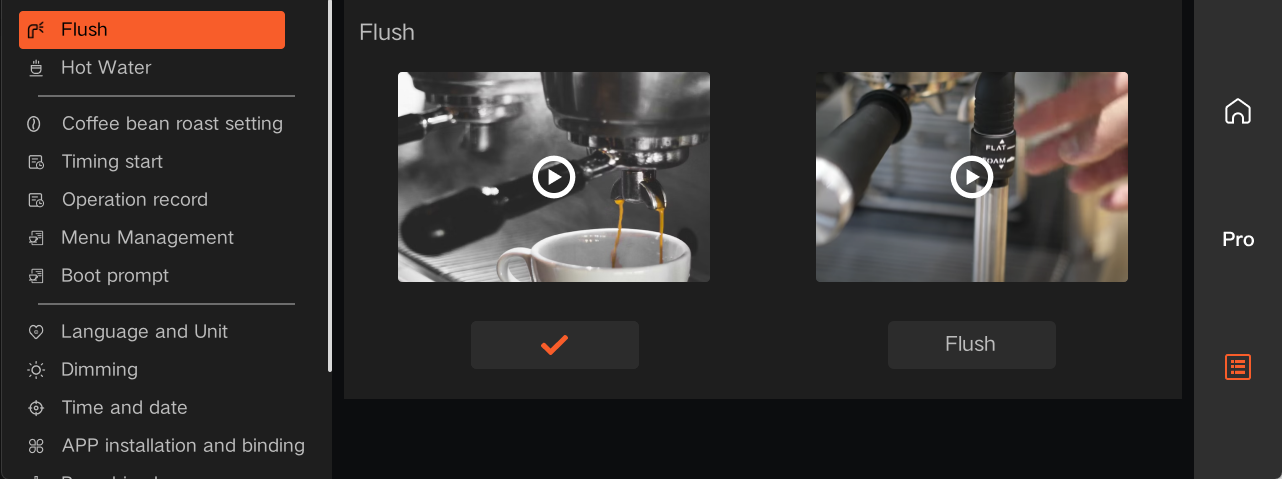
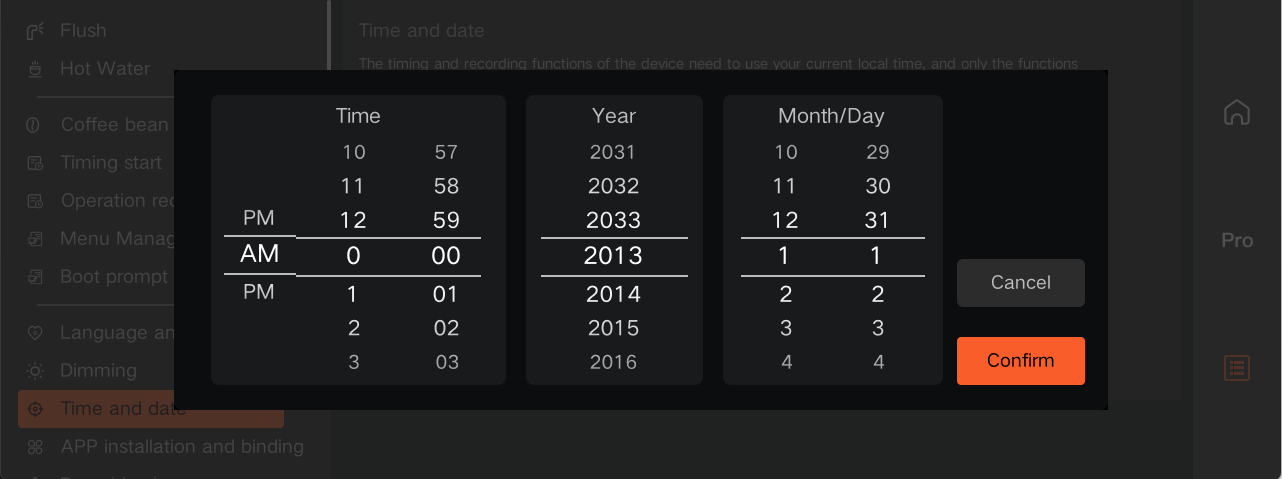
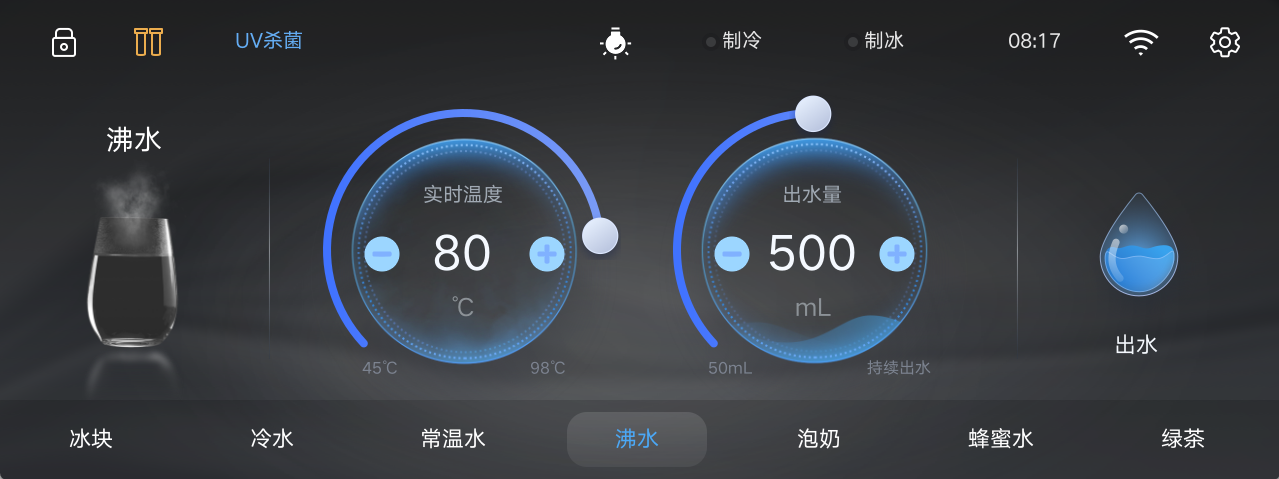
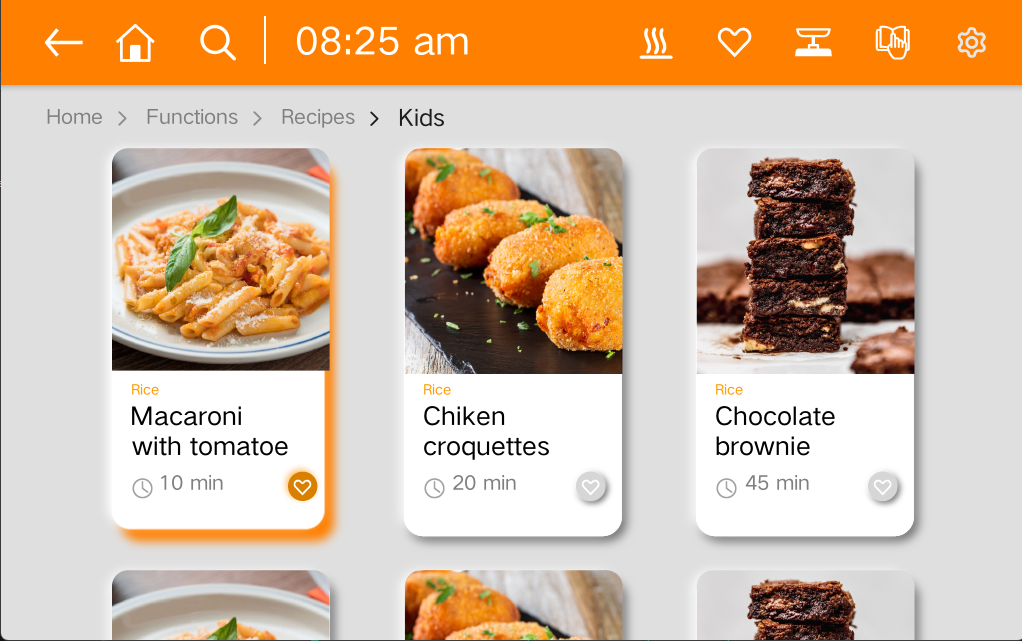
# **ScreenShots**

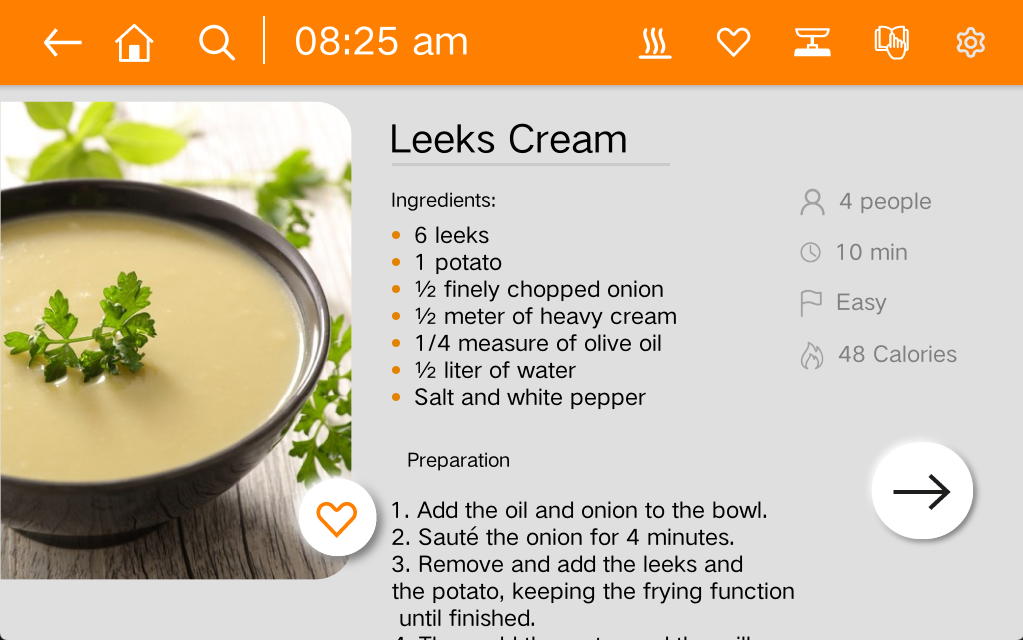
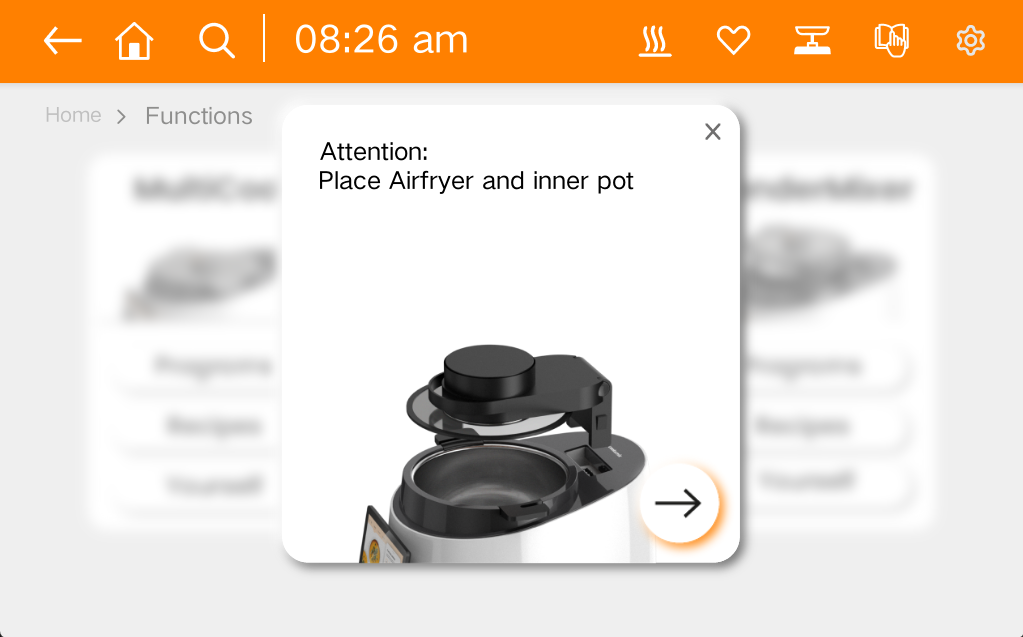
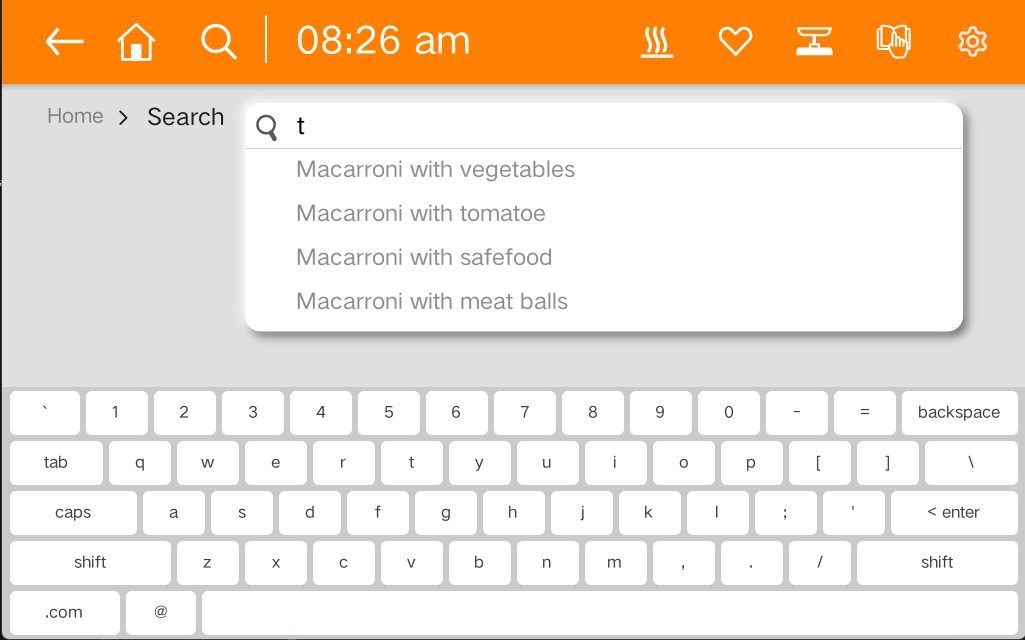

# **UI Components:**
| View | TextView | Button | ImageView | ImageButton |
|----------------|----------------------|----------------------|--------------|-------------|
| CompoundButton | ToggleButton | CheckBox | RadioButton | ProgressBar |
| SeekBar | Chronometer | AnalogClock | ViewGroup | RadioGroup |
| ScrollView | ViewPager | SimpleMonthView | Switch | RatingBar |
| NumberPicker | ListView | GridView | RecyclerView | ViewFlipper |
| ViewAnimator | AdapterViewAnimator | CalendarView | TabLayout | DatePicker |
| TimePicker | NestedScrollView | HorizontalScrollView | DateTimeView | ViewPager2 |
| YearPickerView | WearableRecyclerView | Toolbar | QRCodeView | CardView |
# **Supported Layouts:**
| FrameLayout | LinearLayout | RelativeLayout | TableRow | DrawerLayout |
|------------------|----------------|----------------|--------------------|-------------------|
| TableLayout | AbsoluteLayout | GridLayout | GestureOverlayView | CoordinatorLayout |
| ConstraintLayout | MotionLayout | FlexboxLayout | SlidingPaneLayout | |
# **Supported Drawables:**
| ColorDrawable | BitmapDrawable | NinePatchDrawable | InsetDrawable |
|-------------------|--------------------|----------------------------|----------------------|
| ShapeDrawable | TransitionDrawable | AnimatedVectorDrawable | StateListDrawable |
| LevelListDrawable | ClipDrawable | AnimatedRotateDrawable | RotateDrawable |
| GradientDrawable | ScaleDrawable | AnimatedImageDrawable | VectorDrawable |
| RippleDrawable | AnimationDrawable | AnimatedStateListDrawable | LayerDrawable |
| BadgeDrawable | PictureDrawable | AnimationScaleListDrawable | AdaptiveIconDrawable |
# **Porting guide:**
* 1 A new product porting should be placed to src/porting/xxx(where xxx is you chipset name)
* 2 implement your porting api to xxx directory
* 3 modify build.sh to support your port(you should configure sysroot toolchain...).
* 4 call build.sh --product=xxx
* 5 make you project(SeeAlso **Building CDROID**)
# **Building CDROID:**
### 1.install dependencies(Ubuntu 22+):
sudo apt install autoconf libtool build-essential aapt cmake gdb pkg-config zip curl unzip gettext libx11-dev libxcursor-dev libxcb1-dev libxcb-image0-dev libxcb-cursor-dev bison python3 python3-pip python3-lxml python3-pil meson
# 说明:aapt 包即提供 /usr/bin/aapt2;构建脚本的 Python 依赖(lxml + Pillow)由上面的
# python3-lxml / python3-pil 覆盖,无需 pip 安装(Ubuntu 23.04+ 也已禁用裸 pip install)。
### 2.install vcpkg:
* git clone https://www.github.com/microsoft/vcpkg.git
* cd vcpkg
* ./bootstrap-vcpkg.sh
### 3.download cdroid source code:
* cd ~
* git clone http://www.gitee.com/houstudio/cdroid.git
### 4. install cdroid supported toolchain's patch
* cp cdroid/scripts/vcpkgpatch4cdroid.tar.gz vcpkg/
* cd vcpkg
* tar -zxvf vcpkgpatch4cdroid.tar.gz
### 5.install cdroid deplibs:
* ./cdroid_install_libs.sh --triplet=x64-linux-dynamic
### 6.build cdroid:
* cd cdroid
* ./build.sh --build=debug
* cd outX64-Debug
* make -j
### 7.prepare system and app resource
* 构建树内无需手动拷贝:cdroid.pak / widgetex.pak 生成在 out 根目录,所有 app 会自动找到(探测顺序:可执行文件所在目录及其上级、当前目录、/usr/share/cdroid、/opt/cdroid)。
* app 自己的 `.pak` 放在二进制同目录即可(目录可用 `--data` 指定)。
* 设备安装态:把 cdroid.pak / widgetex.pak 放到 /usr/share/cdroid(或 /opt/cdroid)。
### 8.build & run samples(in directory outX64-Debug)
* 每个 sample 都是独立的 make 目标,例如 `make buttons` 之后运行 `apps/samples/buttons`
* `make alarmmanager && apps/samples/alarmmanager`(AlarmManager 演示)