Unicorns
All the things
 ](https://nihaojob.github.io/markdown-css-smartisan/examples/index.html)
Markdown 主题
[
](https://nihaojob.github.io/markdown-css-smartisan/examples/index.html)
Markdown 主题
[ ](https://nihaojob.github.io/markdown-css-smartisan)
## [Demo](https://nihaojob.github.io/markdown-css-smartisan)
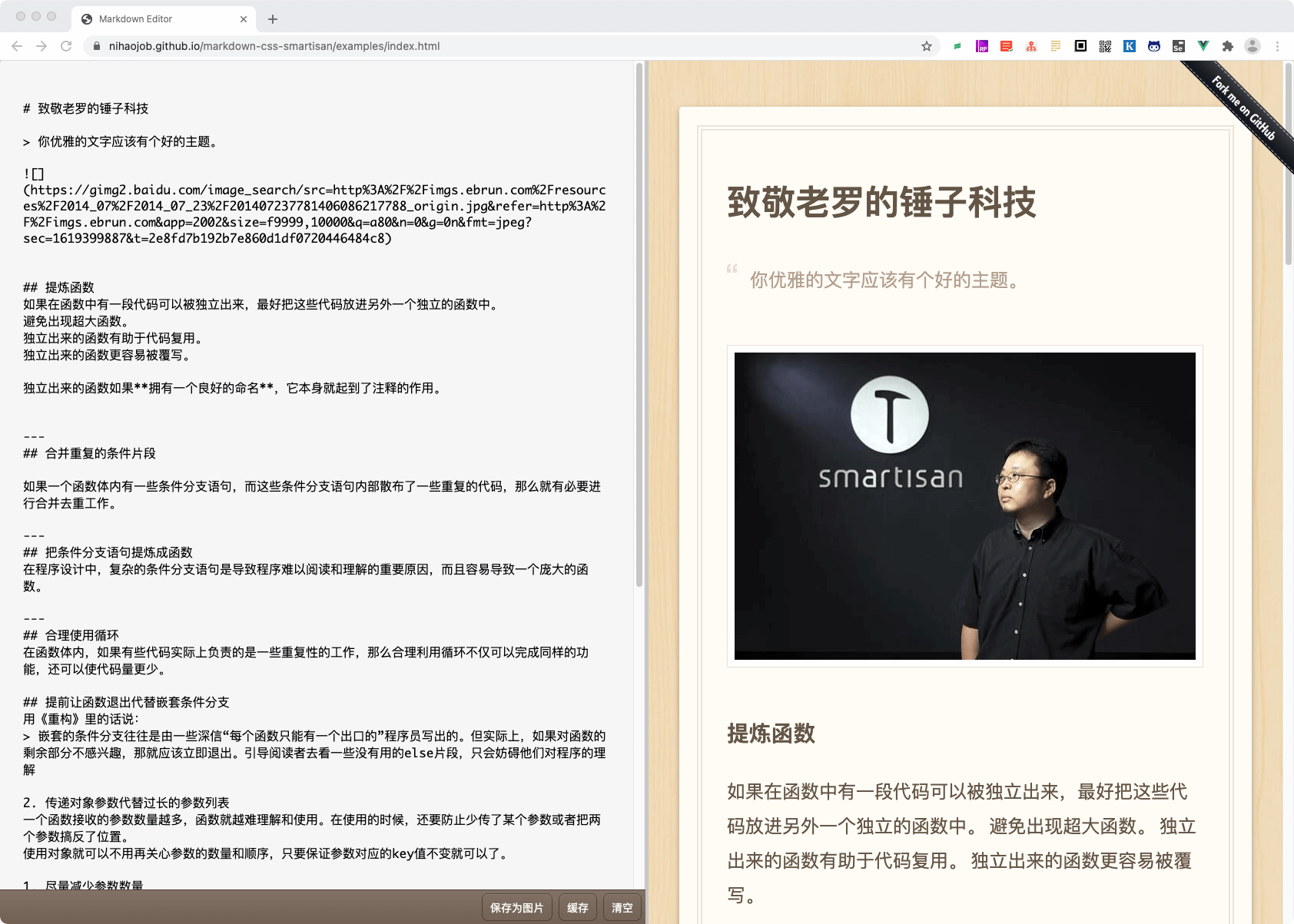
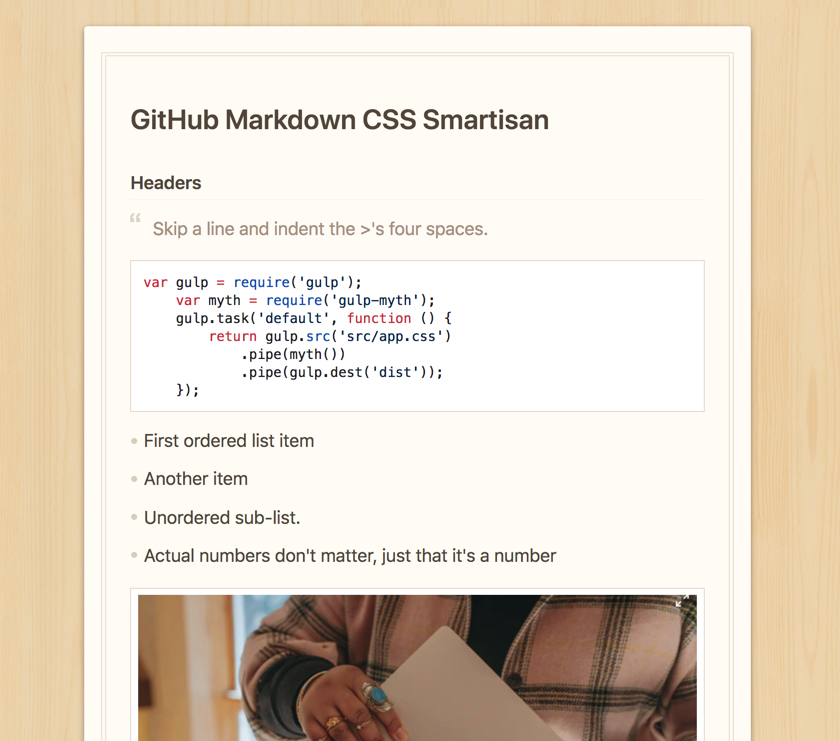
可以[体验编辑器](https://nihaojob.github.io/markdown-css-smartisan/examples/index.html)
, 或[预览](https://nihaojob.github.io/markdown-css-smartisan)我们的主题,和[锤子便签](https://yun.smartisan.com/apps/note/md.html)对比一下。
## Install
Download [manually](https://github.com/nihaojob/https://nihaojob.github.io/markdown-css-smartisan/blob/main/github-markdown.css), from [CDNJS](https://cdn.jsdelivr.net/npm/markdown-css-smartisan/github-markdown.css), or with npm or yarn:
```shell
# use npm
$ npm install markdown-css-smartisan
# use yarn
$ yarn add markdown-css-smartisan
```
## Usage
```bash
import 'markdown-css-smartisan'
```
Import the `github-markdown.css` file and add a `markdown-body` class to the container of your rendered Markdown and set a width for it.
```html
](https://nihaojob.github.io/markdown-css-smartisan)
## [Demo](https://nihaojob.github.io/markdown-css-smartisan)
可以[体验编辑器](https://nihaojob.github.io/markdown-css-smartisan/examples/index.html)
, 或[预览](https://nihaojob.github.io/markdown-css-smartisan)我们的主题,和[锤子便签](https://yun.smartisan.com/apps/note/md.html)对比一下。
## Install
Download [manually](https://github.com/nihaojob/https://nihaojob.github.io/markdown-css-smartisan/blob/main/github-markdown.css), from [CDNJS](https://cdn.jsdelivr.net/npm/markdown-css-smartisan/github-markdown.css), or with npm or yarn:
```shell
# use npm
$ npm install markdown-css-smartisan
# use yarn
$ yarn add markdown-css-smartisan
```
## Usage
```bash
import 'markdown-css-smartisan'
```
Import the `github-markdown.css` file and add a `markdown-body` class to the container of your rendered Markdown and set a width for it.
```html
All the things