# konterball
**Repository Path**: opopi/konterball
## Basic Information
- **Project Name**: konterball
- **Description**: No description available
- **Primary Language**: Unknown
- **License**: MIT
- **Default Branch**: master
- **Homepage**: None
- **GVP Project**: No
## Statistics
- **Stars**: 0
- **Forks**: 0
- **Created**: 2026-05-12
- **Last Updated**: 2026-05-12
## Categories & Tags
**Categories**: Uncategorized
**Tags**: None
## README

Try it here
## Introduction
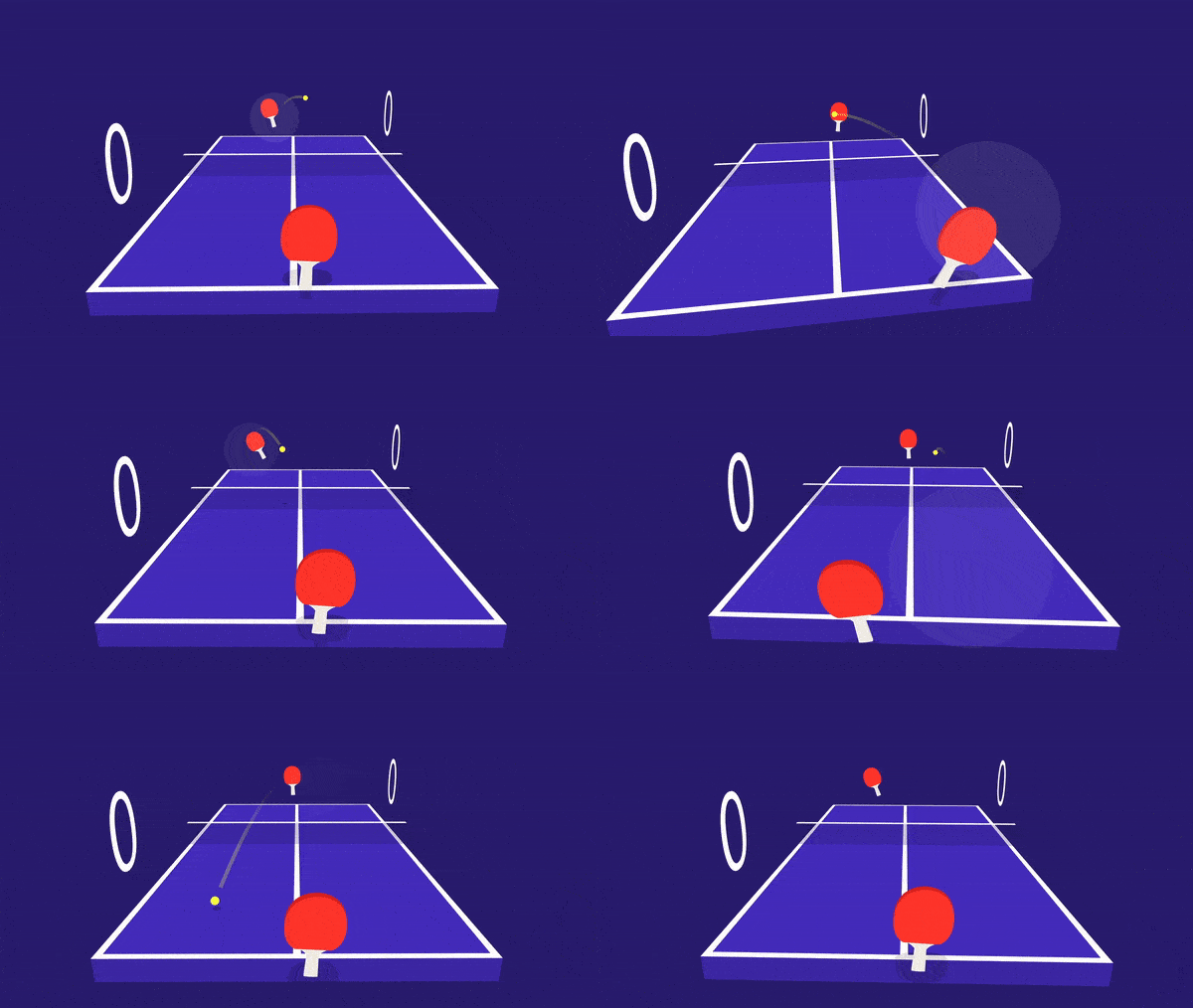
Konterball is a [VR Chrome Experiment](https://vr.chromeexperiments.com/) made
by [WILD](https://wild.as/). It's a ping pong game which can be played in one player mode or with a friend in realtime over the web. It was developed in order to showcase the latest Chrome browser which natively supports
[WebVR](https://webvr.info/). You can play Konterball with a regular laptop, smartphone, Google Cardboard or Daydream, HTC Vive or Oculus Rift.
This repo contains the static frontend for the game. In multiplayer mode, it connects to a [deepstream.io](https://deepstream.io/) websocket server which is used to relay the communication messages two clients.
We use [three.js](https://threejs.org/) for the graphics part, [cannon.js](http://www.cannonjs.org/) as a physics engine, [gsap](https://greensock.com/gsap) and [bodymovin](https://github.com/bodymovin/bodymovin) for animations and [howler.js](https://howlerjs.com/) for audio. This project also relies on the [webvr polyfill](https://github.com/googlevr/webvr-polyfill) to support browsers that don't natively support WebVR and [webvr-ui](https://github.com/googlevr/webvr-ui) for VR mode management.
## Development
If you want to build this project, you first have to buy the used fonts (or use different ones). The fonts are available [here](https://www.myfonts.com/fonts/urw/antique-olive/nord-d-regular/) and
[here](https://www.myfonts.com/fonts/linotype/futura/pro-medium-oblique/). Place them into `src/fonts` with the names `AntiqueOlive`, `Futura` and `FuturaItalic` with the extensions `.eot`, `.ttf`, `.woff`, `.woff2` and `.json` (you can convert them to json [here](https://gero3.github.io/facetype.js/)).
* Run `npm install` or `yarn`
* Run `gulp`
Depending on whether you want to host a local deepstream server too:
* Run `node deepstream.js`
* Update `availableServers` in `src/javascripts/communication.js`, add localhost
## Production
* Run `gulp production`
* Run `node deepstream.js`
* Server should now be available at port 8081, or whatever port you set in the PORT environment var.
## Support
*As of 9/11/2018, the WebVR API is no longer supported so some features may not work as intended.*