# jsbox
**Repository Path**: tackchen/jsbox
## Basic Information
- **Project Name**: jsbox
- **Description**: js 在线运行环境,在线IDE
- **Primary Language**: JavaScript
- **License**: MIT
- **Default Branch**: master
- **Homepage**: None
- **GVP Project**: No
## Statistics
- **Stars**: 6
- **Forks**: 1
- **Created**: 2022-01-26
- **Last Updated**: 2024-10-30
## Categories & Tags
**Categories**: Uncategorized
**Tags**: None
## README
# 🚀 JSBOX-UTIL JS online runtime environment
JSBOX-UTIL by [theajack](https://www.github.com/theajack)
[中文](https://github.com/theajack/jsbox/blob/master/README.cn.md#-jsbox-util-js%E5%9C%A8%E7%BA%BF%E8%BF%90%E8%A1%8C%E7%8E%AF%E5%A2%83) | [Experience Now](https://theajack.gitee.io/jsbox) | [vue Development Environment](https://theajack.gitee.io/jsbox?env=vue) | [react development environment](https://theajack.gitee.io/jsbox?env=react)
This is a project to run and debug js online, of course, it also supports a variety of programming highlights
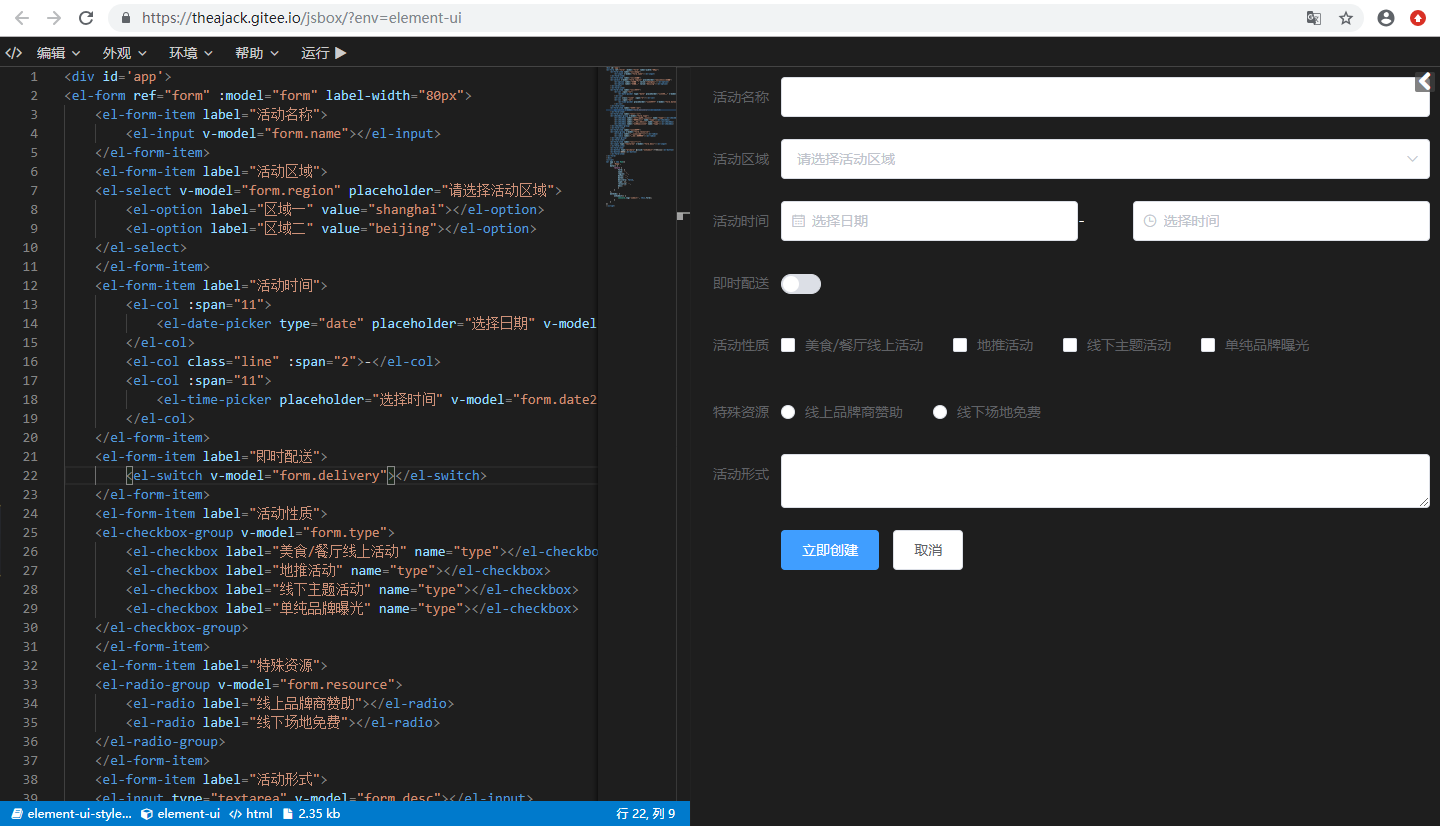
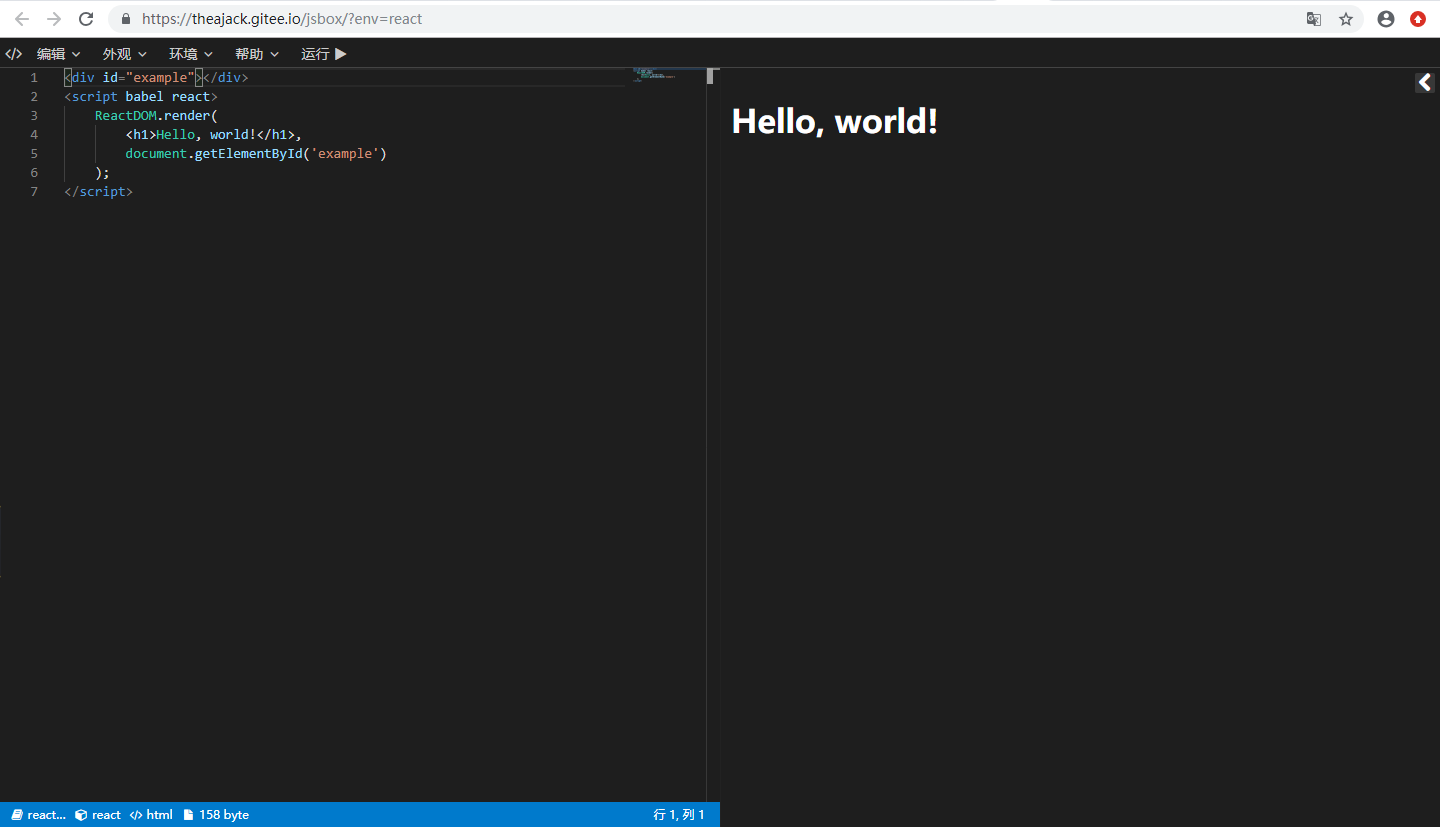
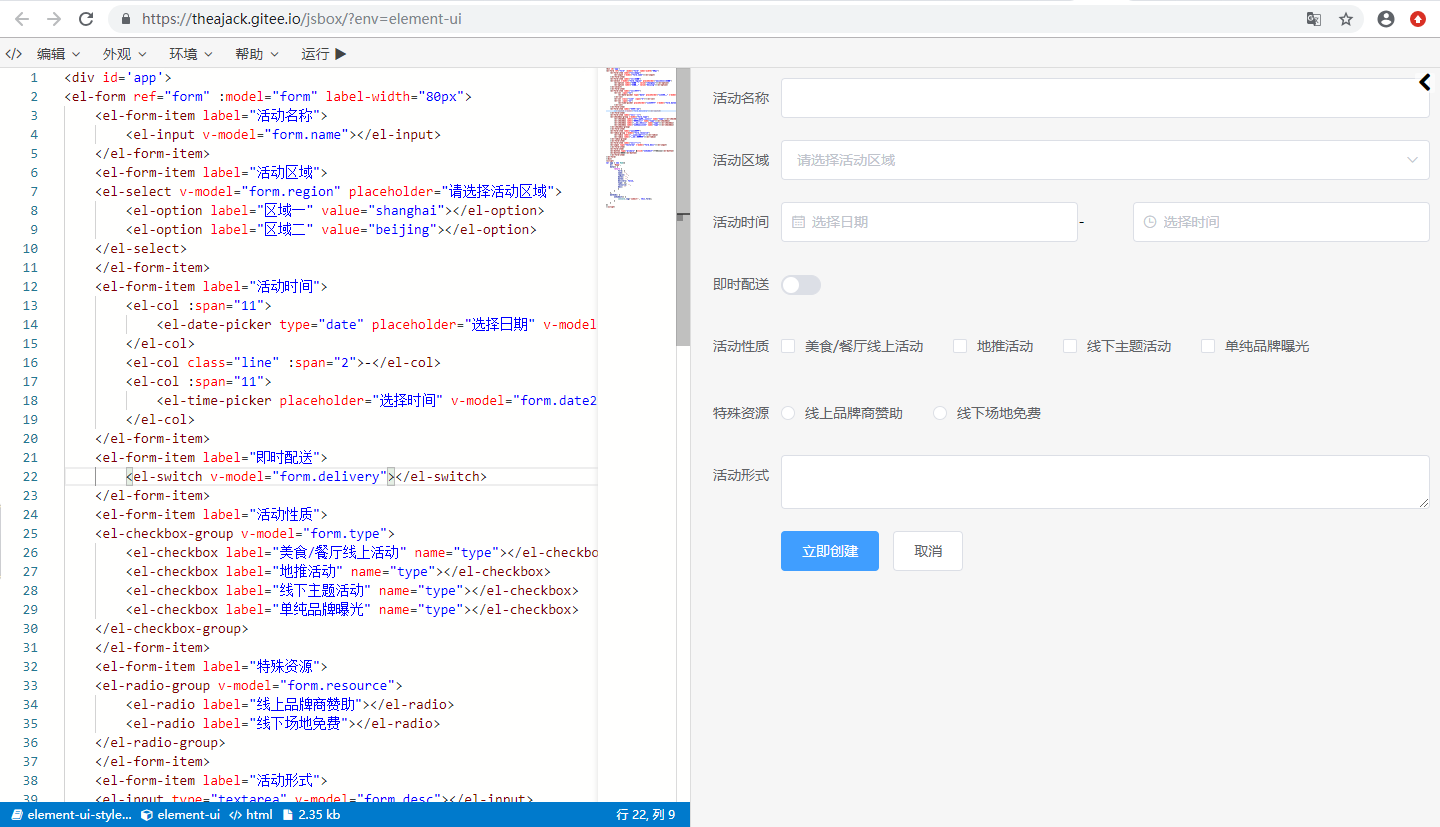
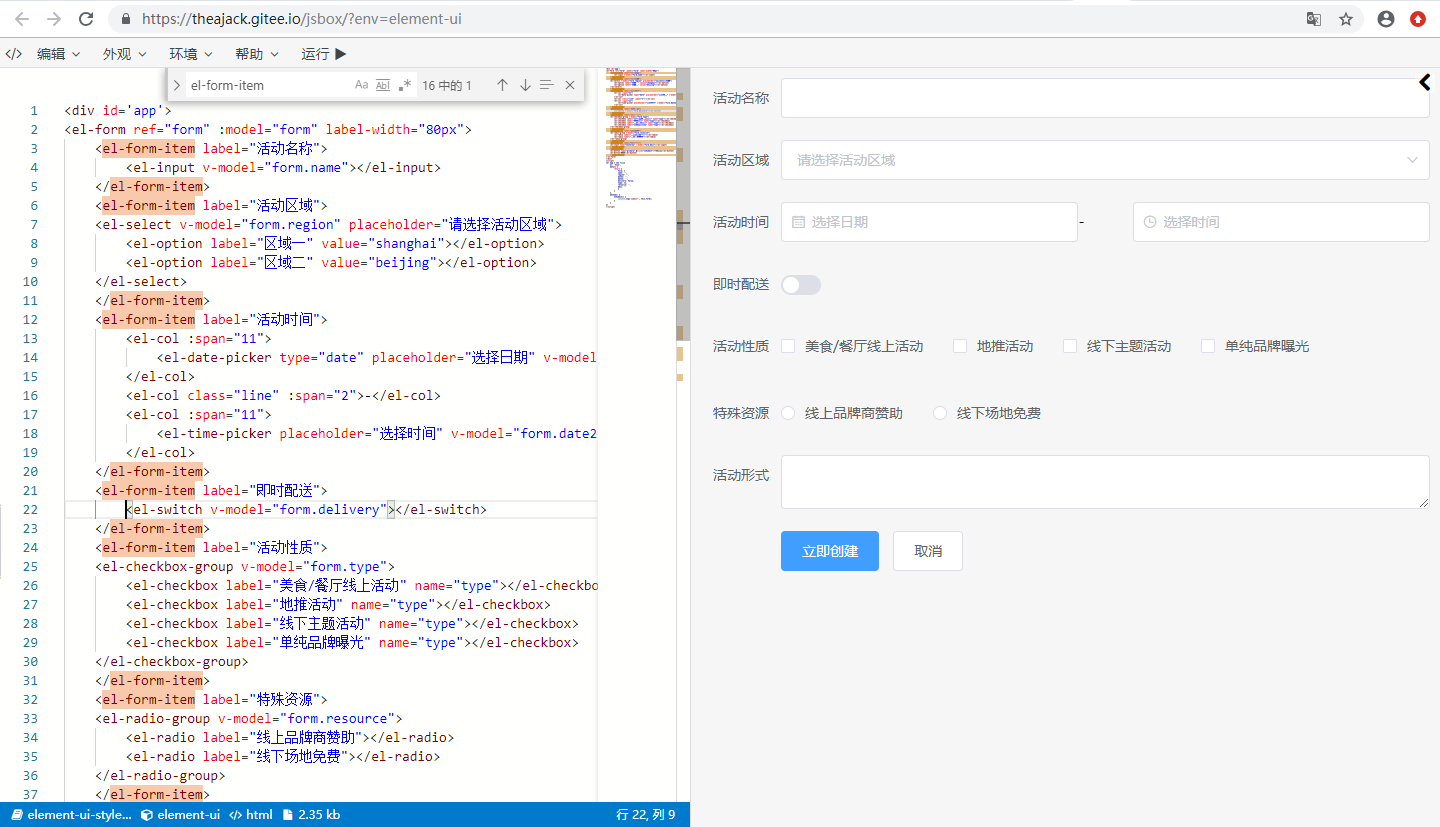
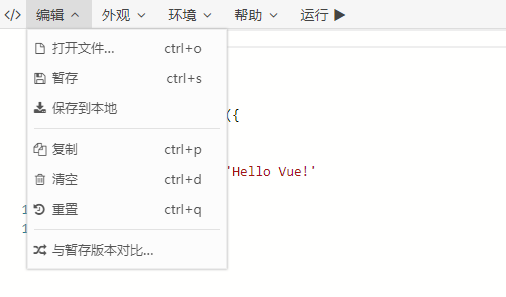
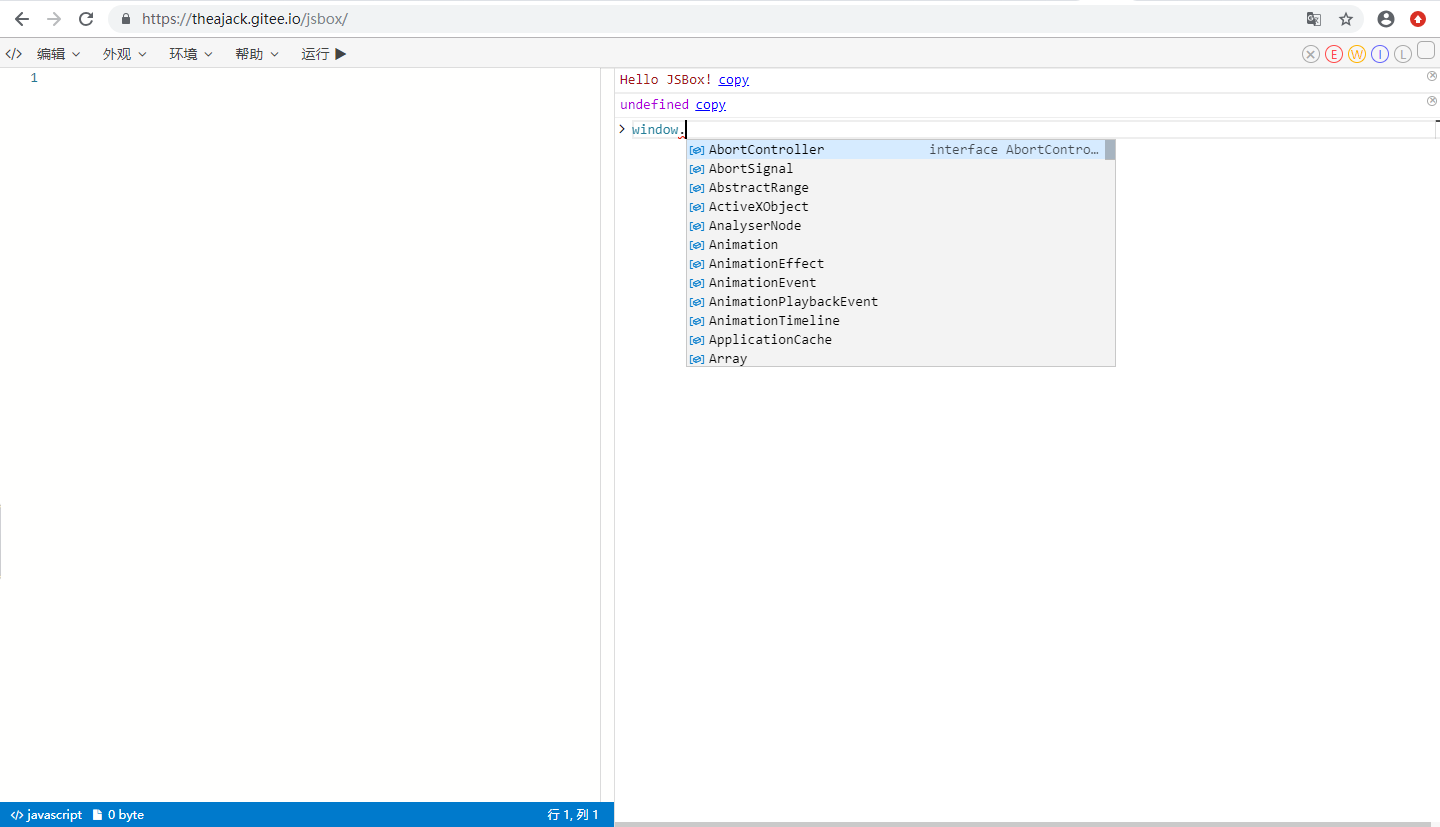
View more sample images
## 0. Quickly insert your online presentation
### 0.1 Use single file
jsbox supports configuring a cdn file through parameters, and supports use with github repositories
The single file is a js file, and its content format is as follows
```js
window.jsboxCode = ``; // Put your code here. The default language is javascript
```
Or use json configuration
```js
window.jsboxCode = {
lib: '', // The cdn file of the third-party library that needs to be imported. A single library uses a string, and multiple uses an array. You can also use the jsbox built-in library, and the built-in library can use name
code: ``,
lang:'javascript', // The default is javascript, the optional values are javascript, html, ... see jsbox lang type for details
theme:'dark', // default is dark, optional value is dark, light
}
```
JsBox built-in library list
```js
['jquery','vue','react','react-dom','angularjs','vuex','redux','loadsh','virtual-dom','node-html-parser', ' jest','mocha','moment','dayjs','underscore','axios','qrcode','backbone','js-xlsx','recast','cnchar','cnchar-poly' ,'cnchar-order','cnchar-trad','cnchar-draw','cnchar-idiom','cnchar-xhy','cnchar-radical','cnchar-all','easy-icon', ' element-ui','element-ui-style']
```
#### 0.1.1 Use with github warehouse (recommended)
Put your single file in your github repository, the default is jsbox.code.js file
The generated url is https://theajack.gitee.io/jsbox?github=user.rep.file
The user parameter is your github account
The rep parameter is your project name. You can carry @xxx after it to execute release, branch or commit. By default, the latest release number will be used. If not, the master branch will be used.
The file parameter is optional, indicating the relative address of the configuration file in the project, the default is jsbox.code.js
Then the following is the online demo address you can use
https://theajack.gitee.io/jsbox?github=theajack.pure-v
Or https://theajack.gitee.io/jsbox?github=theajack.pure-v@master
Or https://theajack.gitee.io/jsbox?github=theajack.pure-v.helper/custom.code.js
#### 0.1.2 Use cdn address
Place your js code configuration file on a server and get its http address, such as http://xxx.com/config.js
Then the following is the online demo address you can use
https://theajack.gitee.io/jsbox?codeSrc=${decodeURIComponent('http://xxx.com/config.js')}
### 0.2 Use hardcoded single link
#### 0.2.1. Open jsbox
Enter jsbox [workbench](https://theajack.gitee.io/jsbox)
#### 0.2.2. Select the environment and enter the demo code
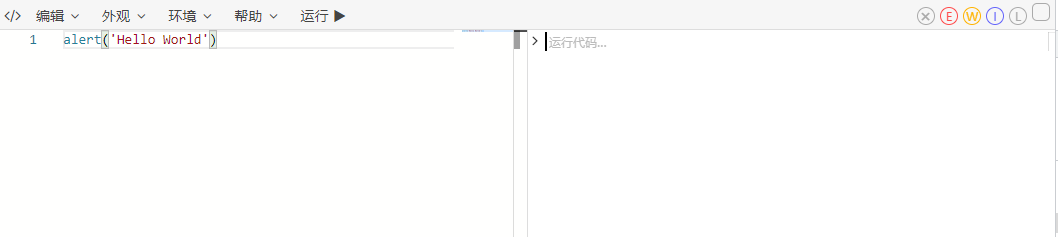
##### 0.2.2.1. Pure js demo code example
Enter demo code
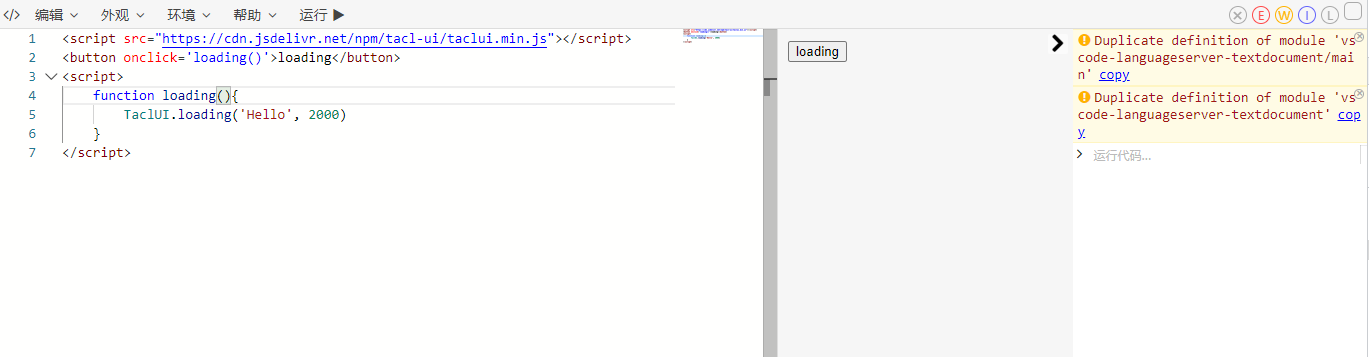
##### 0.2.2.2. Rely on third-party libraries and dom interaction
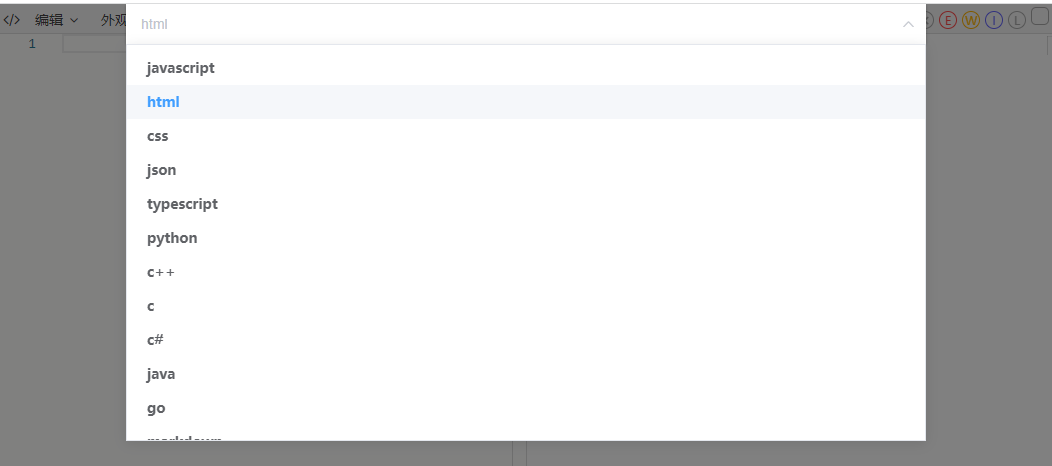
Choose html language
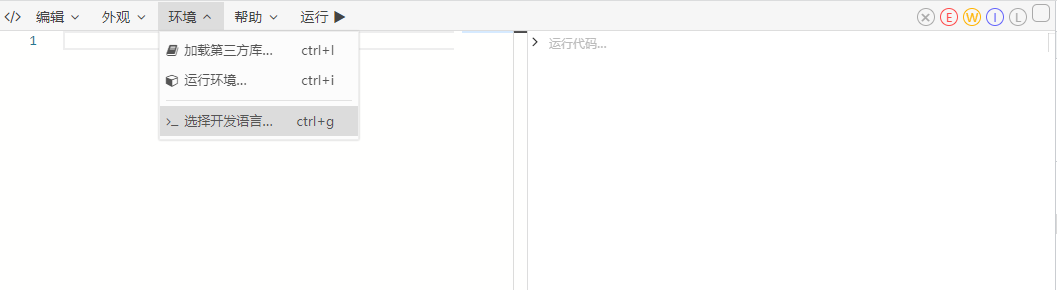
Enter demo code
#### 0.2.3. Generate demo link
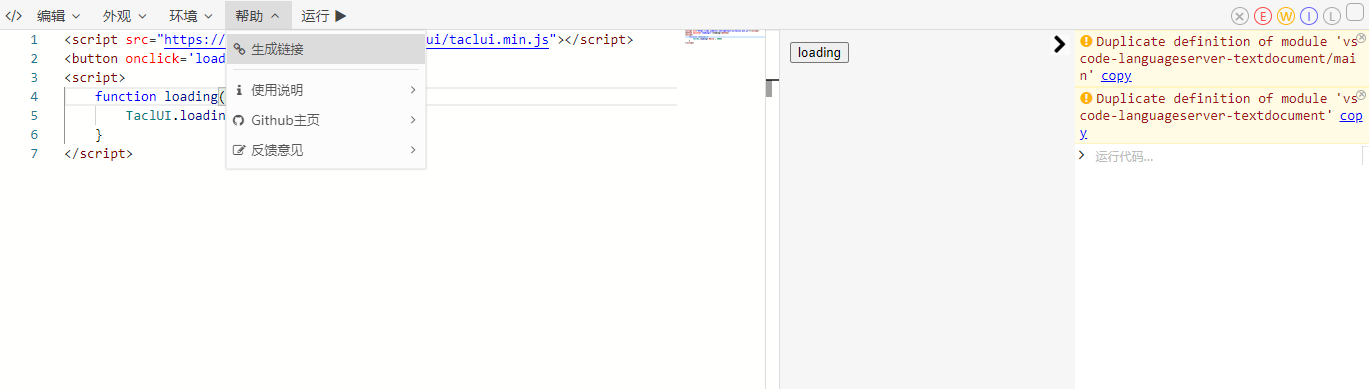
So far, a link containing the demo code has been copied to the clipboard, and you can refer to it elsewhere.
In addition, you can also configure the theme color, third-party package, font size and other settings through the menu bar. These settings will also be saved to the connection when the link is generated
### 0.3 Access to work area
This configuration file can be used when you have a large number of sample codes that need to be accessed
The config parameter should point to an online js file, which needs to define the following json data on the window object
```js
window.jsbox_config = {
libs: {
'loadsh':'xxx', // string method
'jquery': {
url:'xxx', // required
type:'script', // Optional. Whether the declaration is js or css, if it is not declared, it will be parsed from the url
version:'xxx', // not required to declare version
},
'cnchar':'jsbox.cnchar', // If you want to use the library predetermined by jsbox, please use jsbox.xxx
},
codes: {//
'helloWorld':'console.log("Hello world")', // string mode uses all the dependencies defined above by default
'testLoadsh': {
code:'_.cloneDeep((a:1))', // required code
dep: ['loadsh','jsbox.cnchar'], // Non-essential definition of dependencies, search from the current file, if you don’t fill in all the libs in the current file, if you want to use jsbox predefined libraries, please use jsbox.xxx
},
}
}
```
Then the following is the online demo address you can use
https://theajack.gitee.io/jsbox?config={url}&id=helloWorld}
You can also use the config configuration file with the github repository, the default is the jsbox.config.js file, other rules can refer to 0.1.1
The following are two examples
https://theajack.gitee.io/jsbox?githubConfig={user}.{rep}
Or https://theajack.gitee.io/jsbox?githubConfig={user}.{rep}.{file}
##### illustrate
1. libs: dependent cdn address, not required
2. codes: codes are used to store some codes. The key value in codes corresponds to the id value in the search parameter. jsbox will load the corresponding code. If the id value is empty, jsbox will load the code corresponding to the first key value. If the codes are of string type, jsbox will ignore the id value
## 1. API access
### 0. How to use
JSBox is a general online js runtime environment, you can customize your own js runtime environment by writing configuration files
#### 1. npm installation
```
npm install jsbox-util
```
```js
import JSBox from'jsbox-util';
```
#### 2. cdn introduction
```html
```
#### 3. Use
##### 3.1 Jump to a new page and open JSBox
```ts
// Public configuration, not required
JSBox.config({
theme?: string;
code?: string;
lib?: Array;
config?: string;
githubConfig?: string;
id?: string;
env?: string;
lang?: string;
run?: boolean;
mes?: boolean;
remind?: boolean;
codeSrc?: string;
github?: string;
})
JSBox.open(); // Use public configuration or default configuration to open jsbox
JSBox.open({
... // Open JSBox with temporary configuration
});
```
For the available values of theme, lib, env, lang, please refer to 3.3 parameter description
##### 3.2 Embedded JSBox
Function development...
##### 3.3 Parameter description
1. theme: enable dark code editing mode, the default is light, dark is optional
2. code: set the editor code, need to go through encodeURIComponent
3. lib: Load a third-party library, which can be a url or [jsbox predefined library](https://github.com/theajack/jsbox/blob/master/src/npm/index.d.ts#L26) , Need to go through encodeURIComponent
If it is not a url and is not in the jsbox predefined library, jsbox will try to get it from the unpkg official website, but it is not guaranteed to be available
4. config: Use custom configuration file url
5. id: Use the specified id to load the code block, which needs to be used with the config parameter
6. env: Use [jsbox predefined operating environment](https://github.com/theajack/jsbox/blob/master/src/npm/index.d.ts#L58)
7. lang: Set [development language](https://github.com/theajack/jsbox/blob/master/src/npm/index.d.ts#L66), priority is lower than the configuration in env and config+id language
8. run: When there is code, it will run automatically, if you don’t want to run automatically, please set run=false
9. remind: By default, leaving or refreshing the page when the code changes will trigger a pop-up prompt. If you don’t want to be prompted, please set remind=false
10. mes: There will be a loading prompt when loading third-party libraries, if you don’t want to be prompted, please set mes=false
## 2. Operation Manual
### 2.1. Features
1. Run and edit js, html, css code
2. Load the cdn file of the third-party library
3. Export the link, other people can directly use the code you edited using the link
4. Export html file
5. Color theme, style aligned with vscode
6. Custom log type, custom font size
### 2.2. Shortcut keys and button description:
1. ctrl +: Enlarge font
2. ctrl-: Reduce font size
3. ctrl m: switch theme
4. ctrl d: Clear code
5. ctrl d: Clear the code
6. ctrl s: temporary storage code: the code will be saved after temporary storage, refresh the page or reset the code will be restored to the saved state
7. ctrl e: Reset code: return to initial state or temporary storage state
8. ctrl q: copy code
9. ctrl n: Open the operating environment selection
10. ctrl l: Generate link: open the link to restore the code currently being edited
11. ctrl e: clear log
12. ctrl enter: Run the code
### 2.3. search parameters:
1. theme=dark: enable dark code editing mode, the default is normal
2. code=xxx: set the editor code, need to go through encodeURIComponent
3. lib=Array: Load a third-party library, which can be a url or [jsbox predefined library](https://github.com/theajack/jsbox/blob/master/cdn/resources.js ), need to go through encodeURIComponent
If it is not a url and is not in the jsbox predefined library, jsbox will try to get it from the unpkg official website, but it is not guaranteed to be available
4. config=link: Use custom configuration file url
5. id=string: Use the specified id to load the code block, which needs to be used with the config parameter
6. env: Use [jsbox predefined operating environment](https://github.com/theajack/jsbox/blob/master/cdn/env.js)
config> env> lib
### 2.4. config parameters
See 0.3 for details
### 2.5. hash parameters
1. #saved Fill the editor with temporary code
2. #hello Enter the welcome page
### 2.6. Predefined methods
In jsbox, you can use the following methods
1. log(arg1,arg2,...); print content
2. copy(string); Copy the content to the clipboard