# vum
**Repository Path**: xzwilliam/vum
## Basic Information
- **Project Name**: vum
- **Description**: No description available
- **Primary Language**: Unknown
- **License**: MIT
- **Default Branch**: master
- **Homepage**: None
- **GVP Project**: No
## Statistics
- **Stars**: 0
- **Forks**: 0
- **Created**: 2020-04-02
- **Last Updated**: 2020-12-19
## Categories & Tags
**Categories**: Uncategorized
**Tags**: None
## README
# vue-mobile - V2.0.0-rc.1
> An UI Framework build with Vue.js
***vum is update to vue@2.0! checkout to `v0.1.1` for vue@1.x.***
Click [http://demo.getvum.com/](http://demo.getvum.com/) or scan vcode to see live demos:
 ## What is?
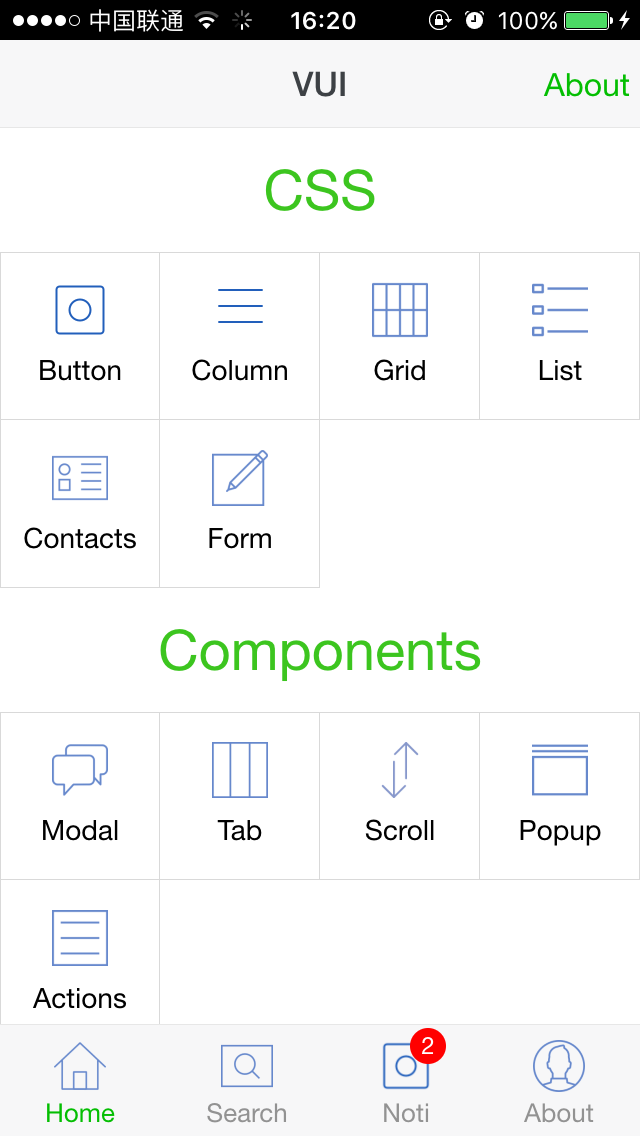
vue-mobile is an UI Framework build with Vue.js for SPA:
- Full Page Structure - header, content, footer
- Page transition support by vue-router
- Bunch of Powerful Components, easy to use and extend
- high performance CSS3 Animation
- 1px border for all components - as well as round border
- Write with Vue - the most important
## Love Vue
Vue is the best View Layer Framework I have ever seen:
- Elegant API
- Two way binding, Components
- Easy to build large scale App
- Wonderful Components Organization.
## Progress
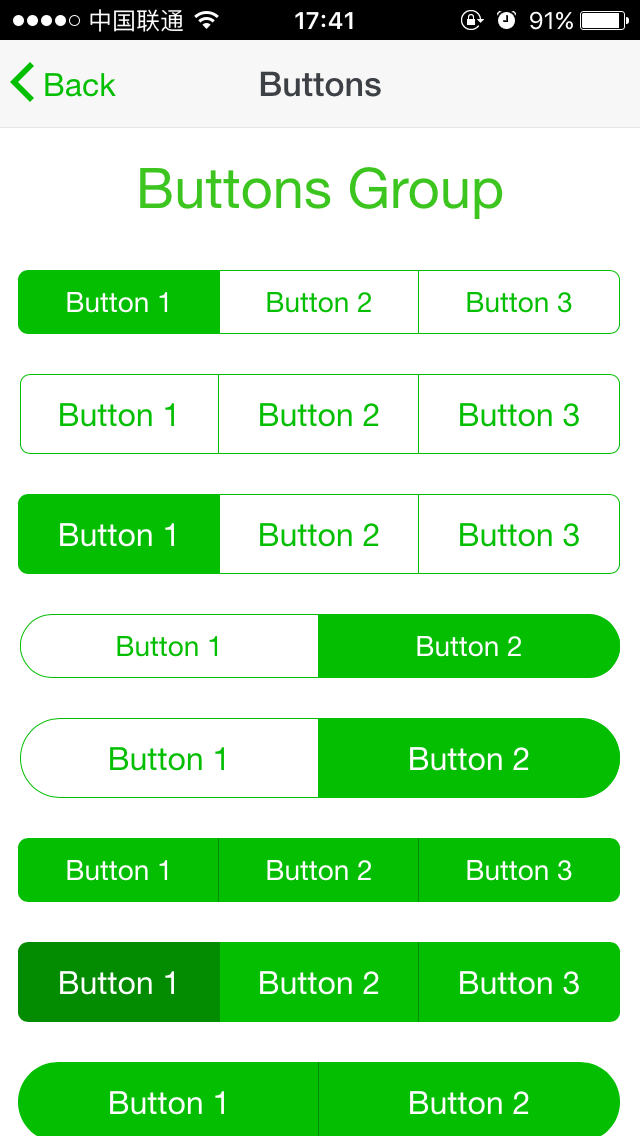
- [x] Page
- [x] Buttons
- [x] Column
- [x] Grid
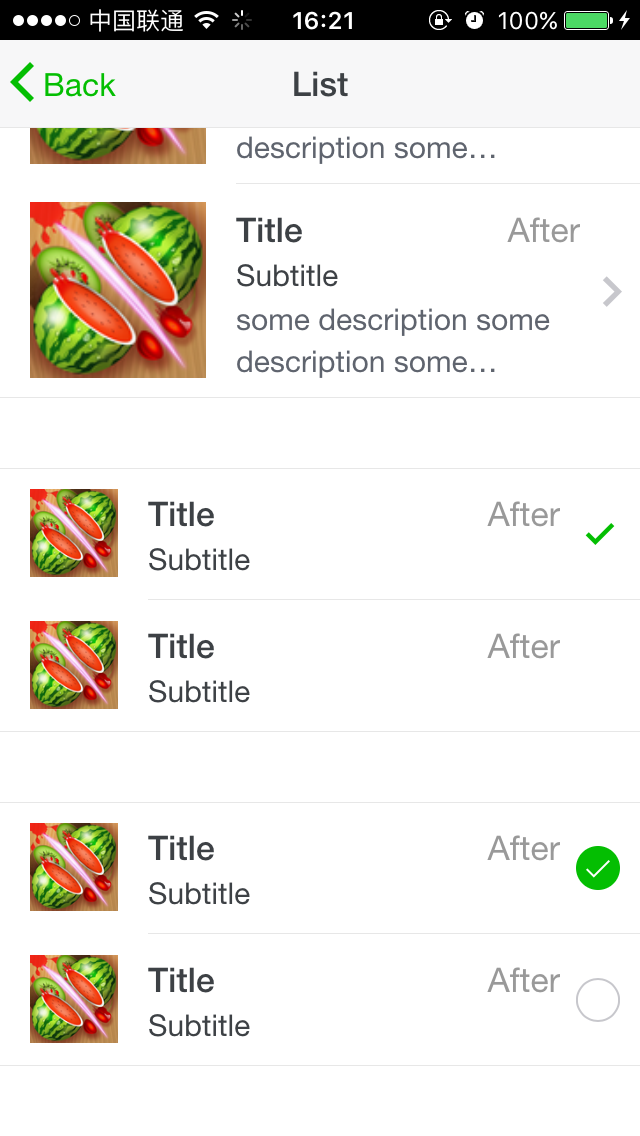
- [x] List
- [ ] Cards
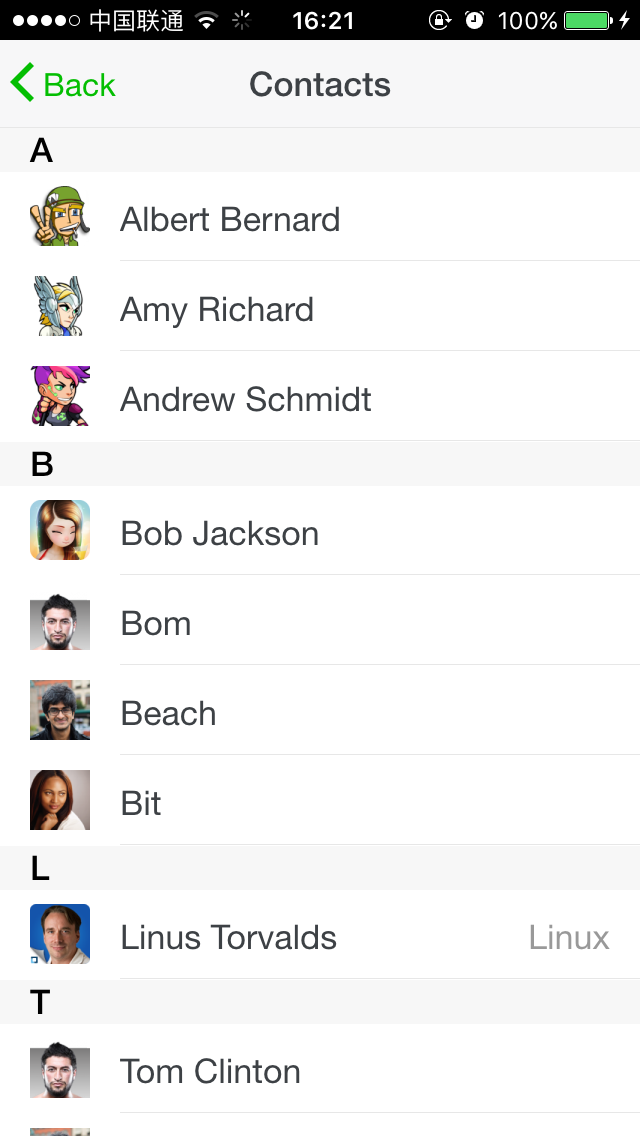
- [x] Contacts
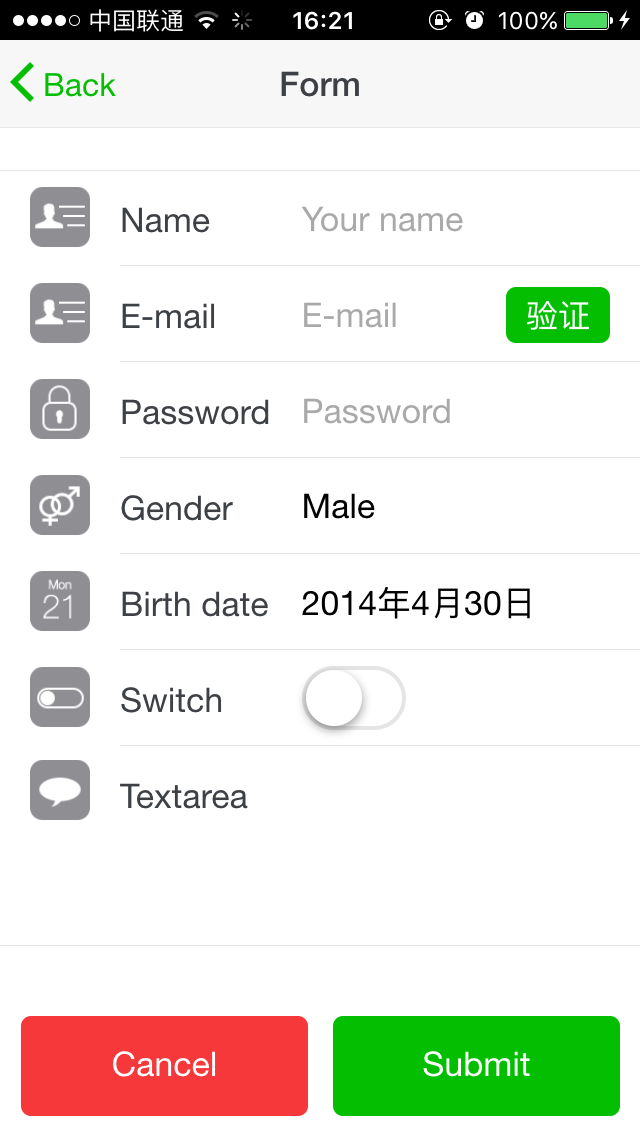
- [x] Form
- [x] Icons
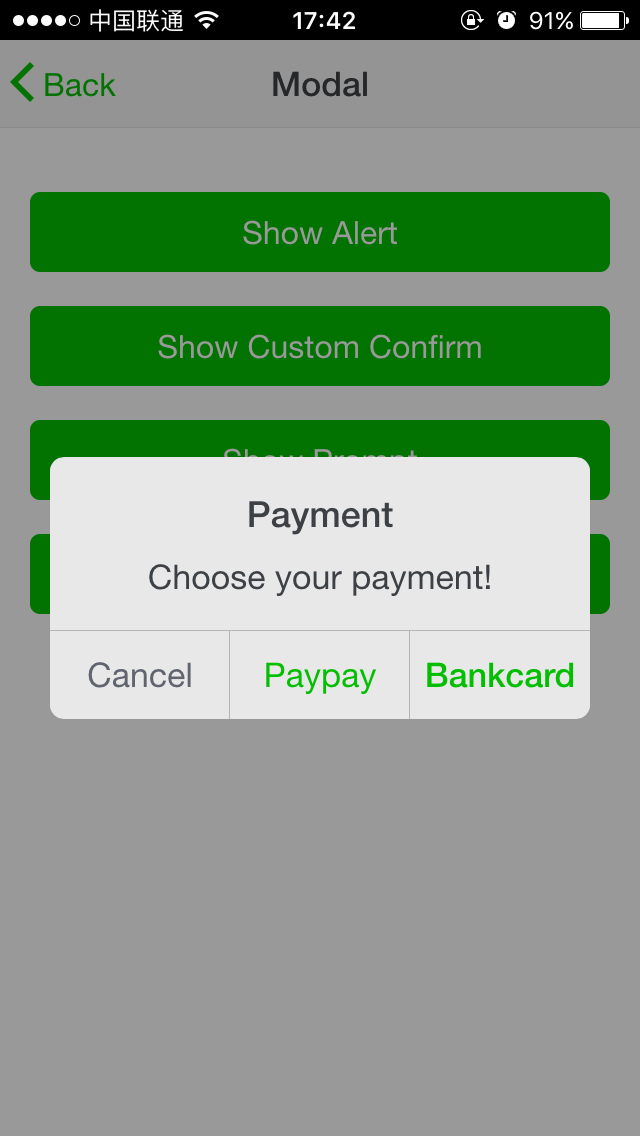
- [x] Modal
- [x] Preloader
- [x] Tab
- [x] Scroll
- [x] Popup
- [x] Actions
- [x] Toast
- [x] Search Bar
- [x] Calendar
- [ ] Photo Browser
- [x] Swiper
## Build Setup
``` bash
# install dependencies
npm install
# serve with hot reload at localhost:8080
npm run dev
# build for production with minification
npm run build
# run unit tests
npm run unit
```
For detailed explanation on how things work, checkout the [guide](http://vuejs-templates.github.io/webpack/) and [docs for vue-loader](http://vuejs.github.io/vue-loader).
## Get Start
Two way to create a project with vum?
### clone source code directly
1. Clone this repo to your work dir
2. `npm install` to install dependences
3. `npm run dev` to run dev server with hot reload.
4. Open `http://localhost:8088` in your browser, then you can see the demos
5. Change to dir `src/demos`, modify what you want, and remove unused pages
That's all! You can do it :) Do not forget to reinit git.
### use npm
1. Create your project, [vue-cli](https://github.com/vuejs/vue-cli) is recommend
2. `npm install vum` in the root of your project
3. Import the components you wanted in `src`
## Thanks
The css style of components comes from:
- [Framework7](http://idangero.us/framework7/)
- [Light7](http://light7.org/)
- [WeUI](http://weui.io/)
- [MSUI](http://m.sui.taobao.org/)
- [Ratchet](http://goratchet.com/)
- [vue-strap](https://yuche.github.io/vue-strap/)
And vui-mobile could never be completed without these:
- [Vue](http://vuejs.org/)
- [vue-router](http://router.vuejs.org/en/basic.html)
- [Less](http://lesscss.org/)
- [Webpack](https://webpack.github.io/)
# Stay In Touch
Please make sure that you have some knowledge about vue.js before join QQ group:
- QQ Group: 581532614
# Screenshot
## What is?
vue-mobile is an UI Framework build with Vue.js for SPA:
- Full Page Structure - header, content, footer
- Page transition support by vue-router
- Bunch of Powerful Components, easy to use and extend
- high performance CSS3 Animation
- 1px border for all components - as well as round border
- Write with Vue - the most important
## Love Vue
Vue is the best View Layer Framework I have ever seen:
- Elegant API
- Two way binding, Components
- Easy to build large scale App
- Wonderful Components Organization.
## Progress
- [x] Page
- [x] Buttons
- [x] Column
- [x] Grid
- [x] List
- [ ] Cards
- [x] Contacts
- [x] Form
- [x] Icons
- [x] Modal
- [x] Preloader
- [x] Tab
- [x] Scroll
- [x] Popup
- [x] Actions
- [x] Toast
- [x] Search Bar
- [x] Calendar
- [ ] Photo Browser
- [x] Swiper
## Build Setup
``` bash
# install dependencies
npm install
# serve with hot reload at localhost:8080
npm run dev
# build for production with minification
npm run build
# run unit tests
npm run unit
```
For detailed explanation on how things work, checkout the [guide](http://vuejs-templates.github.io/webpack/) and [docs for vue-loader](http://vuejs.github.io/vue-loader).
## Get Start
Two way to create a project with vum?
### clone source code directly
1. Clone this repo to your work dir
2. `npm install` to install dependences
3. `npm run dev` to run dev server with hot reload.
4. Open `http://localhost:8088` in your browser, then you can see the demos
5. Change to dir `src/demos`, modify what you want, and remove unused pages
That's all! You can do it :) Do not forget to reinit git.
### use npm
1. Create your project, [vue-cli](https://github.com/vuejs/vue-cli) is recommend
2. `npm install vum` in the root of your project
3. Import the components you wanted in `src`
## Thanks
The css style of components comes from:
- [Framework7](http://idangero.us/framework7/)
- [Light7](http://light7.org/)
- [WeUI](http://weui.io/)
- [MSUI](http://m.sui.taobao.org/)
- [Ratchet](http://goratchet.com/)
- [vue-strap](https://yuche.github.io/vue-strap/)
And vui-mobile could never be completed without these:
- [Vue](http://vuejs.org/)
- [vue-router](http://router.vuejs.org/en/basic.html)
- [Less](http://lesscss.org/)
- [Webpack](https://webpack.github.io/)
# Stay In Touch
Please make sure that you have some knowledge about vue.js before join QQ group:
- QQ Group: 581532614
# Screenshot